GetResponse vs ActiveCampaign: Stop Overthinking (Pick This One) 2026
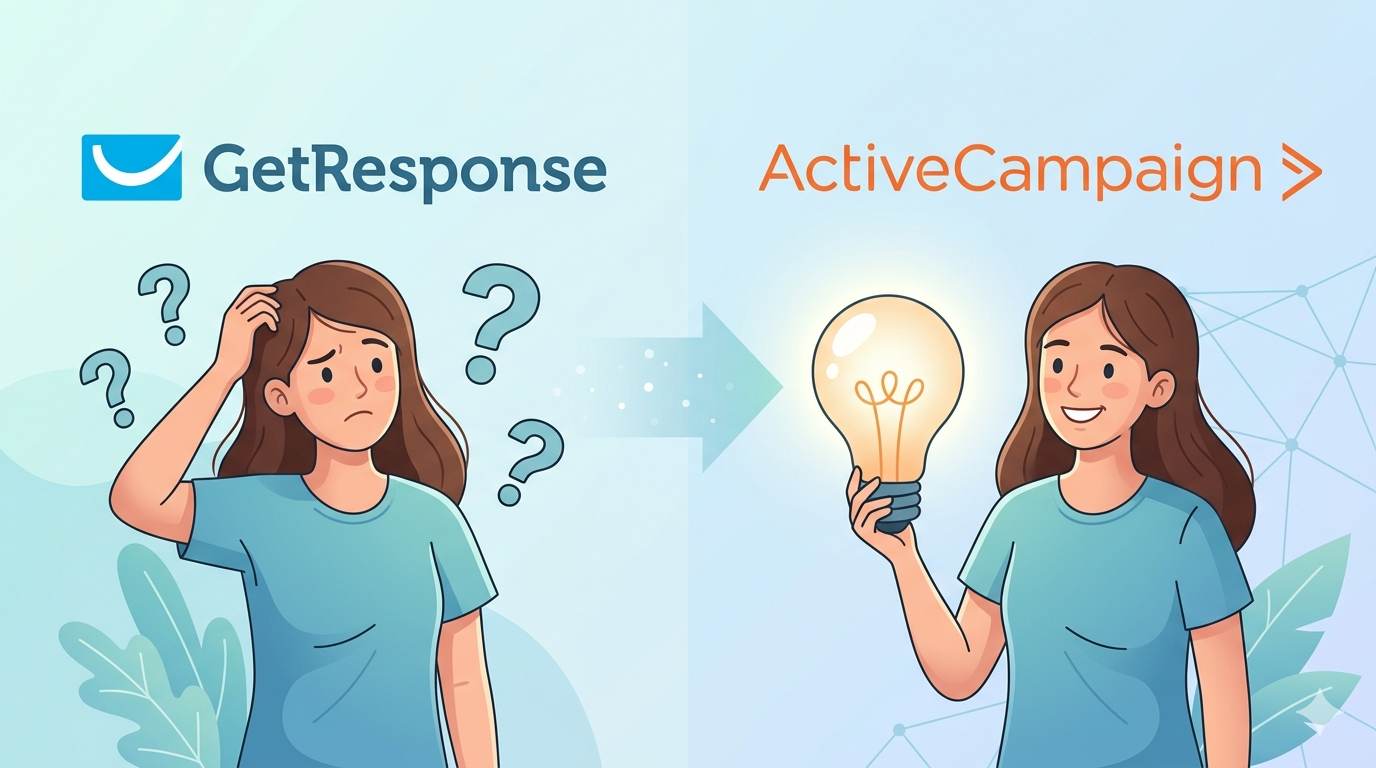
You’ve spent weeks comparing. Here’s the honest, no‑tech‑nonsense answer you’ve been looking for.
Ever felt overwhelmed trying to choose the right email marketing tool? You’re not alone. If you’re starting a blog, launching a business, or growing your online presence, email marketing is a must. And tools like GetResponse and ActiveCampaign are two big names you’ll keep seeing. But which one is actually worth your time? Let’s break it down in simple, clear language – no tech nonsense, just the truth.
📌 True story – Hassan
Hassan spent two weeks comparing GetResponse vs ActiveCampaign. He watched 15 YouTube videos, read 20 reviews, and still couldn’t decide. Then he picked one – GetResponse – and launched his first email campaign within a day. He realized the tool matters less than actually starting.
What Is GetResponse?
GetResponse is an all-in-one marketing platform that helps you build email lists, send emails, create landing pages, set up sales funnels, and even run webinars. It’s made for beginners but still powerful enough for advanced users.
What Is ActiveCampaign?
ActiveCampaign is a platform focused more on automation and customer relationships. It gives you smart email marketing, deep automation features, CRM tools, and personalized messages. It’s a favorite among people who love organizing, tracking, and automating everything.
GetResponse vs ActiveCampaign – What’s the Difference?
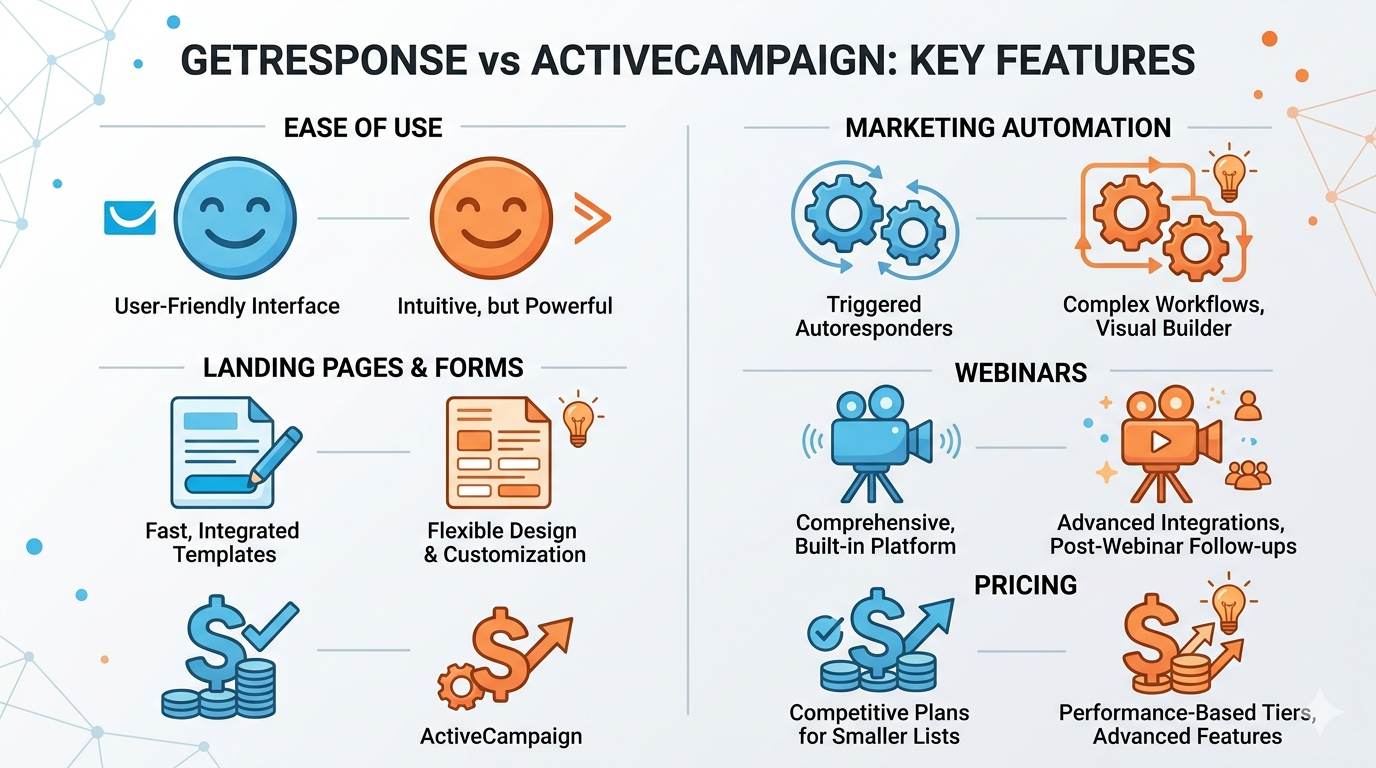
GetResponse is great if you want a full marketing toolkit in one place — landing pages, funnels, webinars, and emails. ActiveCampaign is better if you care more about detailed automation and building long-term relationships with your audience.
| Feature | GetResponse | ActiveCampaign |
|---|---|---|
| Ease of use | ✅ Very beginner-friendly | ⚠️ Steeper learning curve |
| Email automation | ✅ Great for basics | ✅✅ Advanced & powerful |
| Landing pages | ✅ Built-in (drag & drop) | ❌ Requires third-party |
| Webinars | ✅ Included in many plans | ❌ Not included |
| Sales funnels | ✅ Built-in | ⚠️ Limited |
| CRM | ✅ Basic | ✅✅ Advanced |
| Starting price (500 subscribers) | ~$15/month | ~$29/month |
Which One Is Easier to Use?
GetResponse is more beginner-friendly. The dashboard is clean and simple. You can get started fast even if you’ve never used a tool like this before. ActiveCampaign has a steeper learning curve. It’s powerful, but if you’re just starting out, it might feel a bit overwhelming.
Who Should Use GetResponse?
- You’re a beginner
- You want a complete set of tools in one place
- You like drag-and-drop builders
- You want to run webinars or build funnels
Who Should Use ActiveCampaign?
- You love automation and personalization
- You’re ready to dive deeper into email marketing
- You already have some experience
- You need CRM features
What About Pricing?
Both tools offer different plans, and pricing changes depending on how big your list is. GetResponse starts cheaper and gives you more built-in features (like landing pages) from the beginning. ActiveCampaign may cost a bit more as you grow but offers more advanced automation.
Common Mistakes Beginners Make
- Picking a tool without understanding what they actually need
- Getting overwhelmed with features they won’t use
- Ignoring email list building basics
- Not setting clear goals (what do you want your emails to do?)
The Brutal Truth (Read This Twice)
Here’s what most beginners get wrong with the GetResponse vs ActiveCampaign debate: they spend weeks comparing features they’ll never use. They obsess over tiny differences that don’t matter for their first 100 subscribers. Meanwhile, their email list grows cold.
The truth is: both tools can work. But if you’re a beginner who just wants to start without headaches – pick GetResponse. It’s easier, cheaper, and has everything you need. ActiveCampaign is powerful, but it’s like buying a race car to drive to the grocery store. You don’t need it yet.
Don’t spend another week deciding. Pick GetResponse. Start sending emails. You’ll learn more in one week of doing than in one month of researching.
Your 7‑Day Email Marketing Starter Plan (With GetResponse)
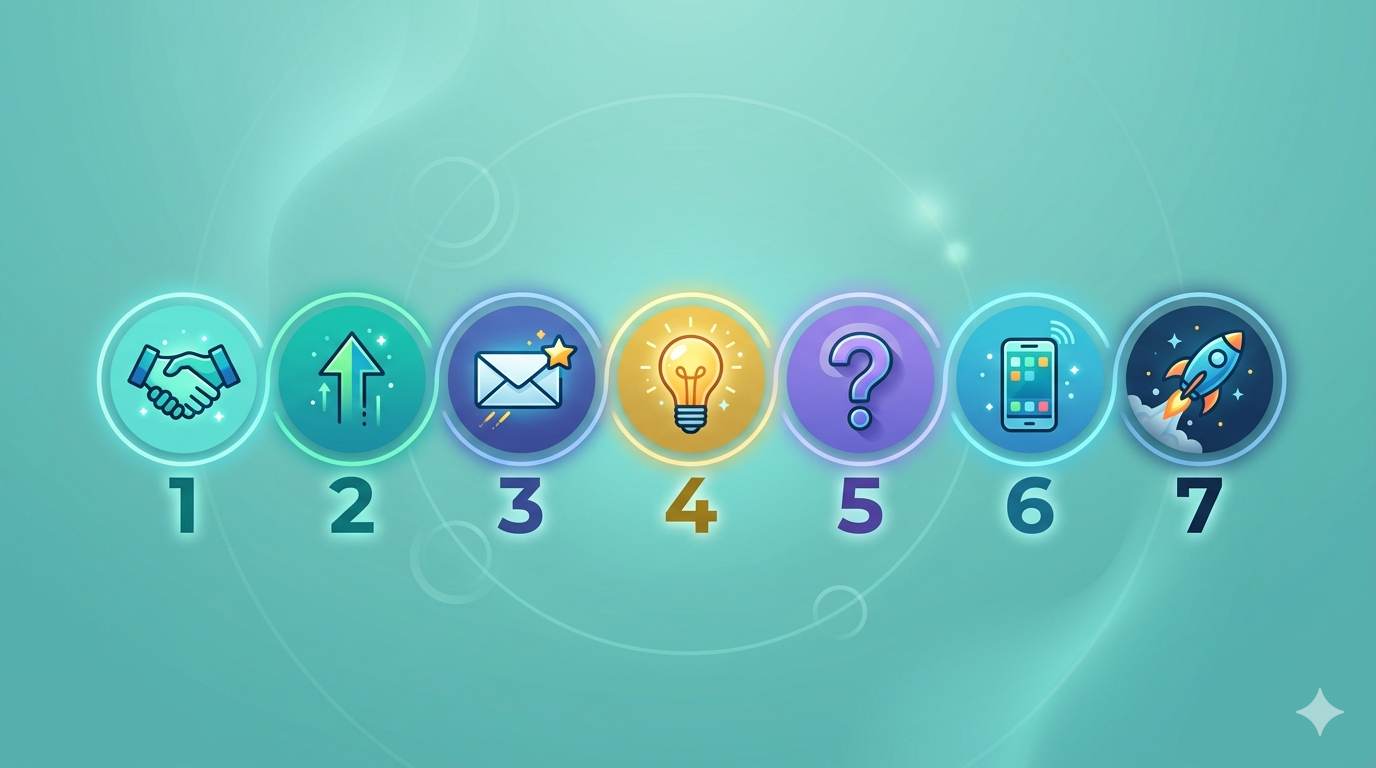
- Day 1: Sign up for GetResponse (free trial).
- Day 2: Import your email list (or add a signup form to your blog).
- Day 3: Write your welcome email – introduce yourself, set expectations.
- Day 4: Write a second email – share your best blog post or a helpful tip.
- Day 5: Write a third email – ask a question or invite replies.
- Day 6: Test your emails on mobile and send yourself a test.
- Day 7: Send your first email campaign. Track opens and clicks.
After 7 days, you’ll have an active email list. That’s more than most beginners ever achieve.
More Beginner-Friendly Resources
- 👉 What Is Email Marketing? Ultimate Beginner’s Guide
- 👉 How to Build an Email List (The Easy Way)
- 👉 GetResponse Affiliate Program Honest Review: $0 Start, 60% Recurring, Real Math
One Last Thing
Choosing between GetResponse vs ActiveCampaign isn’t about which is better overall — it’s about what’s better for you right now. And for 90% of beginners, that’s GetResponse. Stop overthinking. Pick one. Start today.
Your email list could be your most powerful asset — if you choose the right tool and actually use it. 👻