How to Change Blogger Template in Under 5 Minutes (No Tech Skills Needed)

📘 TL;DR – What you’ll learn: Tired of your blog looking like everyone else’s? Change your Blogger template in under 5 minutes – no coding, no tech skills. This guide walks you through backing up your current template, finding free designs, and installing a new one. Your blog will look professional and unique by the end.
🔥 The Problem: Your Blog Looks Like Everyone Else’s
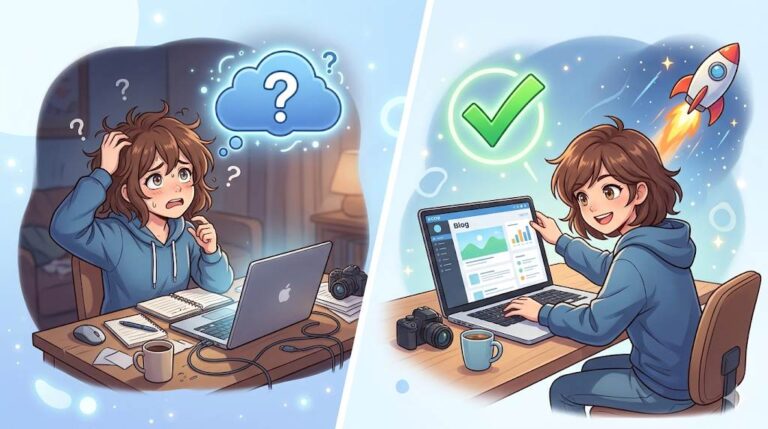
So, you’ve just started a blog on Blogger, and now you’re staring at that plain default design, wondering: “How to change Blogger template?” You’re not alone, brother. Most beginners think it’s complicated. They worry about breaking their blog. They’re scared of “coding” and “tech stuff.” Here’s the truth: changing your Blogger template takes less than 5 minutes – and you need zero technical skills. Let me show you how.
Before you change your template, make sure you can track how your new design affects visitor behavior. My Set Up Google Analytics on Blogger guide shows you exactly how to monitor bounce rate and time on page. And if you need inspiration for which template to pick, check out Best Free Blogger Templates – it lists clean, modern designs that won’t slow down your site.
📌 True story – Fatima
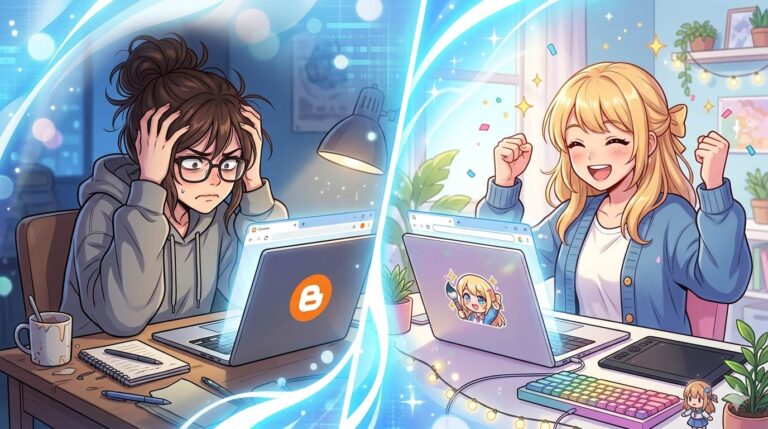
Fatima used the default Blogger template for 6 months. Her blog looked like everyone else’s. Visitors left within seconds. She was embarrassed to share her blog link. Then she changed her template using the steps below – in 4 minutes. Within weeks, her bounce rate dropped and people started commenting. She didn’t need better content. She needed a better first impression.
⚠️ Before we start: If you haven’t set up Google Analytics yet, do that first. You’ll want to track how your new template affects bounce rate and time on page.
✅ First: What Is a Blogger Template? (The Simple Explanation)
A Blogger template is your blog’s “skin.” It controls how your blog looks – colors, fonts, layout, header, footer, sidebar, and how your posts are displayed. The default templates are fine, but they make your blog look like thousands of others. Changing your template makes your blog look professional, unique, and trustworthy.
🛡️ Before You Start – Do This 1 Thing (Takes 30 Seconds)
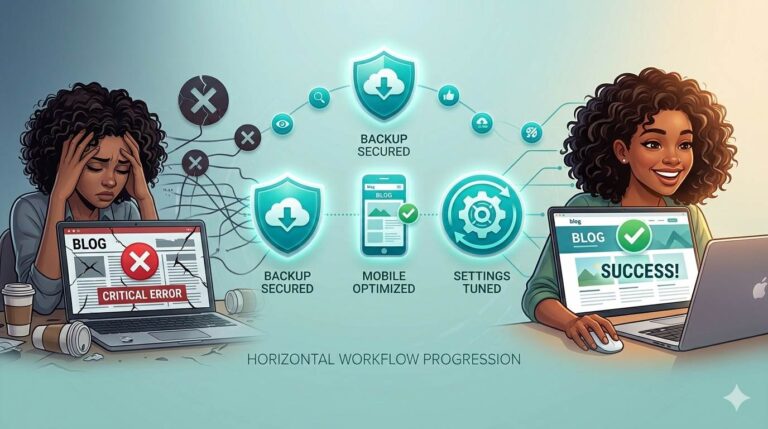
Backup your current template. This takes 30 seconds and saves you from any mistake. Go to your Blogger dashboard → Theme → click the down arrow → click “Backup” → save the file to your computer. That’s it. Now you’re safe. Even if something goes wrong (it won’t), you can restore your old template in seconds.
📋 How to Change Your Blogger Template (4 Simple Steps, Under 5 Minutes)
Follow these steps exactly. No skipping. No tech talk. Just action.
Step 1: Log into Your Blogger Dashboard
Go to Blogger.com and sign in with your Google account. Click on the blog you want to change.
Step 2: Click “Theme” on the Left Menu
This is where all your design settings live. You’ll see your current template preview.
Step 3: Choose Your New Template
You have two options:
- Option A (Easiest): Pick one of Blogger’s free built‑in templates by clicking “Customize” → Browse → Apply to Blog.
- Option B (More Options): Download a free template from a trusted site (Gooyaabi, BTemplates, or Templateism). You’ll get an .xml file. Then in Blogger, click the down arrow → “Restore” → “Upload” → choose your file.
Step 4: Save and Done
Once uploaded, Blogger applies the new design instantly. Click “Save” or “Apply to Blog.” That’s it. Your blog looks completely different. 🎉
❌ Common Beginner Mistakes (Avoid These)
- Skipping the backup step. Always backup first. It takes 30 seconds. Don’t skip it.
- Using flashy, cluttered templates. Keep it clean. Simple designs load faster and keep readers happy. Your content is the star, not the template.
- Not checking mobile view. Most people read on phones. Make sure your template looks good on mobile before publishing.
- Downloading templates from random sites. Stick to trusted sources. Bad files can break your blog or add hidden spam links. Use only the sites I listed below.
📍 Where to Find Great Free Blogger Templates (Safe Links)
- Gooyaabi Templates – clean, modern designs
- BTemplates – hundreds of free options
- Templateism – professional and responsive
- Blogger Template Gallery – built into Blogger (safest option)
💡 The Brutal Truth (Read This Twice)
Here’s what most beginner bloggers don’t realize: your content might be amazing, but if your blog looks like it’s from 2010, people will leave before reading a single word. First impressions matter. A clean, modern template tells visitors: “This blog is legit. This person knows what they’re doing.”
You don’t need to spend money. You don’t need to hire a designer. You don’t need to learn code. You just need 5 minutes and the courage to click a few buttons. Stop overthinking. Pick a template. Install it. Move on to creating content. A decent template with great content beats a perfect template with no content every time. Once you’ve installed your new template, learn how to personalize it further with How to Customize Blogger Template – it covers colors, fonts, and layout adjustments.
⚠️ Quick tip: After changing your template, your images and widgets might shift slightly. That’s normal. Spend 10 minutes rearranging your sidebar and checking your homepage. It’s worth it.
📅 Your 7‑Day Blogger Template Transformation Plan
- Day 1: Backup your current template (30 seconds – do it now).
- Day 2: Browse trusted free template sites – save 3 options you like.
- Day 3: Try each template one by one (install, preview, uninstall if you don’t love it).
- Day 4: Pick the one that feels clean, fast, and mobile‑friendly.
- Day 5: Customize colors and fonts to match your style.
- Day 6: Add your logo and update your sidebar widgets.
- Day 7: Test your blog on mobile and desktop – share it with a friend for feedback.
After 7 days, your blog will look professional and feel like yours. $0 spent. No tech skills required.
🙋 Frequently Asked Questions
Will changing my template delete my posts or pages?
No. Your content (posts, pages, comments) stays exactly the same. Only the design and layout change. That’s why backing up is still important – in case the new template has bugs.
What if I don’t like the new template?
You can restore your old template from the backup file you saved. Go to Theme → down arrow → Restore → Upload your backup file. You’ll be back to your old design in seconds.
Can I change my template on mobile?
Yes, but it’s easier on a computer. The Blogger mobile interface works, but uploading XML files is trickier. Use a laptop or desktop for the best experience.
Why are some templates slow?
Flashy templates with lots of animations, sliders, and heavy images load slowly. Stick to clean, minimalist designs. Speed matters for SEO and user experience.
Do I need to know HTML to change my template?
No. The steps above require no coding. You just click buttons and upload files. If you want to make advanced customizations later, that’s optional – but not needed for a basic template change.
🎤 Final Thoughts: Stop Putting It Off
You’ve been putting this off for too long. Your blog deserves to look as good as your content. In under 5 minutes, without any tech skills, you can transform your blog completely. So stop reading. Stop comparing templates. Pick one. Install it. Then come back and thank yourself.
Now you know how to change your Blogger template – fast and without fear. Go make your blog beautiful, brother.
👉 Ready to transform your Blogger blog in 5 minutes? Go to your Blogger dashboard now. Backup your template, then pick a new one. You’ll be done before your coffee gets cold.