Contact Us Page for Blogger: Simple & Fast (2026)
📘 TL;DR – What you’ll learn: A Contact Us page is essential for every Blogger blog – it builds trust, opens opportunities, and improves user experience. This guide shows you exactly how to add a contact page in minutes using Blogger’s built-in form or Google Forms. No coding skills needed. Just 5 minutes and your blog will be open for connections.
🔥 The “How Do I Reach You?” Problem
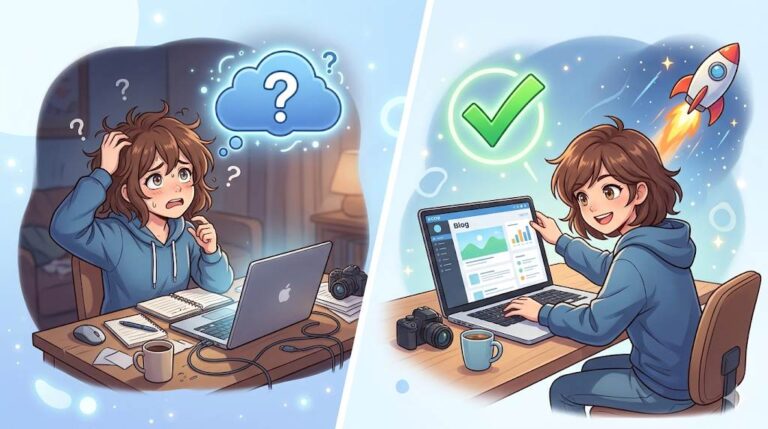
Let me ask you something, friend. Have you ever visited a blog, loved what you saw, but had no idea how to contact the owner? That’s frustrating, right? Well, if you’re running your own blog on Blogger, having a Contact Us page isn’t just a nice thing to have — it’s essential. Whether someone wants to ask a question, give feedback, suggest a collaboration, or even offer you a job — your contact page is the bridge. Let’s break it down together.
Before we dive in, understand that a Contact Us page is part of building a professional blog. My How to Add Pages in Blogger guide shows you how to create and publish all essential pages. And to ensure your overall Blogger settings are optimized, read Blogger Settings for Beginners – it covers privacy, meta tags, and crawler settings.
📌 Quick truth: A contact page builds trust, opens opportunities, and improves user experience. If people can’t reach you, they’ll leave — or worse, they’ll think your blog is abandoned. Even if you get only 10 visits a month, one of them might be important.
⚠️ The #1 mistake that loses opportunities: Not having a contact page. Brands, collaborators, and readers need a way to reach you. Without it, you’re invisible to opportunities.
✅ What Is a Contact Us Page?
It’s a simple page on your blog that allows people to reach out to you directly. Usually, it includes a contact form or your email address — or both. That’s it. No tech jargon. No complicated setup.
📊 Why Does Your Blogger Blog Need a Contact Page?
Here’s what a Contact Us page helps with:
- Builds trust – You’re showing readers there’s a real person behind the blog.
- Opens opportunities – Brands, clients, and other bloggers might want to connect.
- Improves user experience – Visitors appreciate knowing how to get in touch.
If you’ve already created your About Us page, you’ve told your story. Now it’s time to give people a way to respond to it.
❌ Common Myths You Should Ignore
- “I’m just starting. I don’t need a contact page yet.” – Wrong. Even if you get only 10 visits a month, one of them might be important.
- “I’ll just share my email in a blog post.” – Not a good idea. Spam bots can grab your email. Use a form instead.
🛠️ Tools You Can Use on Blogger
| Tool | Best For | Setup Time |
|---|---|---|
| Blogger Contact Form Widget | Fastest option, built‑in | 1 minute |
| Google Forms | Customizable, free, works with any platform | 3 minutes |
| Formspree / 123FormBuilder | Pro‑level forms with advanced features | 5 minutes |
Blogger actually makes it super easy. Use the built‑in Contact Form widget or embed a Google Form (free and customizable).
📋 How to Add a Contact Us Page in Blogger (Step‑by‑Step)
Step 1 – Log in to Your Blogger Account
Go to blogger.com and sign in.
Step 2 – Go to Pages → New Page
On the left menu, click Pages, then New Page.
Step 3 – Title It “Contact Us”
Give your page a clear, simple title.
Step 4 – Add Your Form
Using the Contact Form widget: Paste this shortcode into the page: <div class="contact-form-widget"></div>
Using Google Form: Create a form in Google Forms, get the embed code, and paste it into the page.
Step 5 – Write a Friendly Message
Add a short, welcoming message like: “Feel free to reach out! I’d love to hear from you.” Use Grammarly to polish your message and Canva to design a simple header image for the page.
Step 6 – Click Publish
Your page is now live.
Step 7 – Add the Page to Your Blog Menu
Go to Layout → Pages widget → Edit → Check “Contact Us” → Save. Now visitors can find it easily.
💡 Pro Tip: After publishing, add the page link to your blog menu (header or footer) so visitors can find it easily. Go to Layout → Pages widget → Edit → Check “Contact Us” → Save.
For a complete guide to creating all essential pages, read How to Add Pages in Blogger – it covers About, Contact, Privacy Policy, and more.
❌ What to Avoid (Beginner Mistakes)
- Don’t make your page hard to find. Link to it in your top or footer menu.
- Don’t overcomplicate it. Keep it clean and clear.
- Don’t ignore your inbox! If you add a contact page, be ready to reply.
🔗 Pro Tip: Connect It with Your Sign‑Up Form
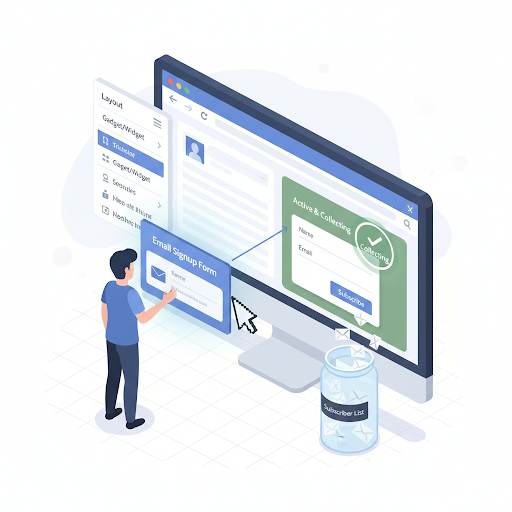
If you already have a sign‑up form on your blog, that’s great. Just make sure both pages are connected — like adding links between them. A user who reaches out might also want to subscribe. For more on building your email list, read Email Marketing Newsletter – it covers how to start with free tools in 2026.
💡 The Brutal Truth (Read This Twice)
Most beginners skip the Contact Us page because they think they’re too small to need it. They wait until they “have traffic” or “get serious.” But opportunities don’t wait. A brand that wants to collaborate won’t dig through your social media to find you. A reader with a question won’t search your site for an email address. They’ll just leave.
A Contact Us page is not optional. It is a signal that you are open, approachable, and professional. It takes 5 minutes to create. There is no excuse to skip it. Your future collaborators, readers, and opportunities are waiting – but they need a way to reach you.
⚠️ Remember: Your blog isn’t just content — it’s communication. By adding a Contact Us page, you’re showing your visitors that you’re open, approachable, and serious about what you’re doing. It doesn’t take more than 10 minutes to set up — and it can make a huge difference.
📅 Your 5‑Minute Contact Page Action Plan
- Step 1: Log into Blogger → Pages → New Page.
- Step 2: Title it “Contact Us”.
- Step 3: Paste the contact form shortcode or Google Form embed code.
- Step 4: Write a short, friendly message.
- Step 5: Publish the page.
- Step 6: Add the page to your blog menu (Layout → Pages widget).
In 5 minutes, your blog will be open for connections, collaborations, and opportunities.
🙋 Frequently Asked Questions
Do I really need a contact page on a small blog?
Yes. Even a small blog can receive important messages — partnership inquiries, reader questions, or feedback. It also builds trust.
Can I just put my email address on the page?
You can, but it’s better to use a form to avoid spam bots scraping your email.
What if I never get messages?
That’s fine. The page still signals professionalism. And one day, when an opportunity knocks, you’ll be ready.
How do I know if someone used the contact form?
Messages sent through Blogger’s contact form go to the email address associated with your Google account. Check that inbox regularly.
🎤 Final Thoughts: Your Blog Isn’t Just Content — It’s Communication
Your blog isn’t just content — it’s communication. By adding a Contact Us page for Blogger, you’re showing your visitors that you’re open, approachable, and serious about what you’re doing. It doesn’t take more than 10 minutes to set up — and it can make a huge difference in how people connect with you.
So go ahead and do it now. Your future readers, partners, and clients will thank you.
You’ve got this, friend. 🚀
👉 Ready to add your contact page in 5 minutes? Open your Blogger dashboard. Go to Pages → New Page → Title “Contact Us” → Add form → Publish. Done.