Best Free Blogger Templates – How to Find Clean, Professional Designs (2026)
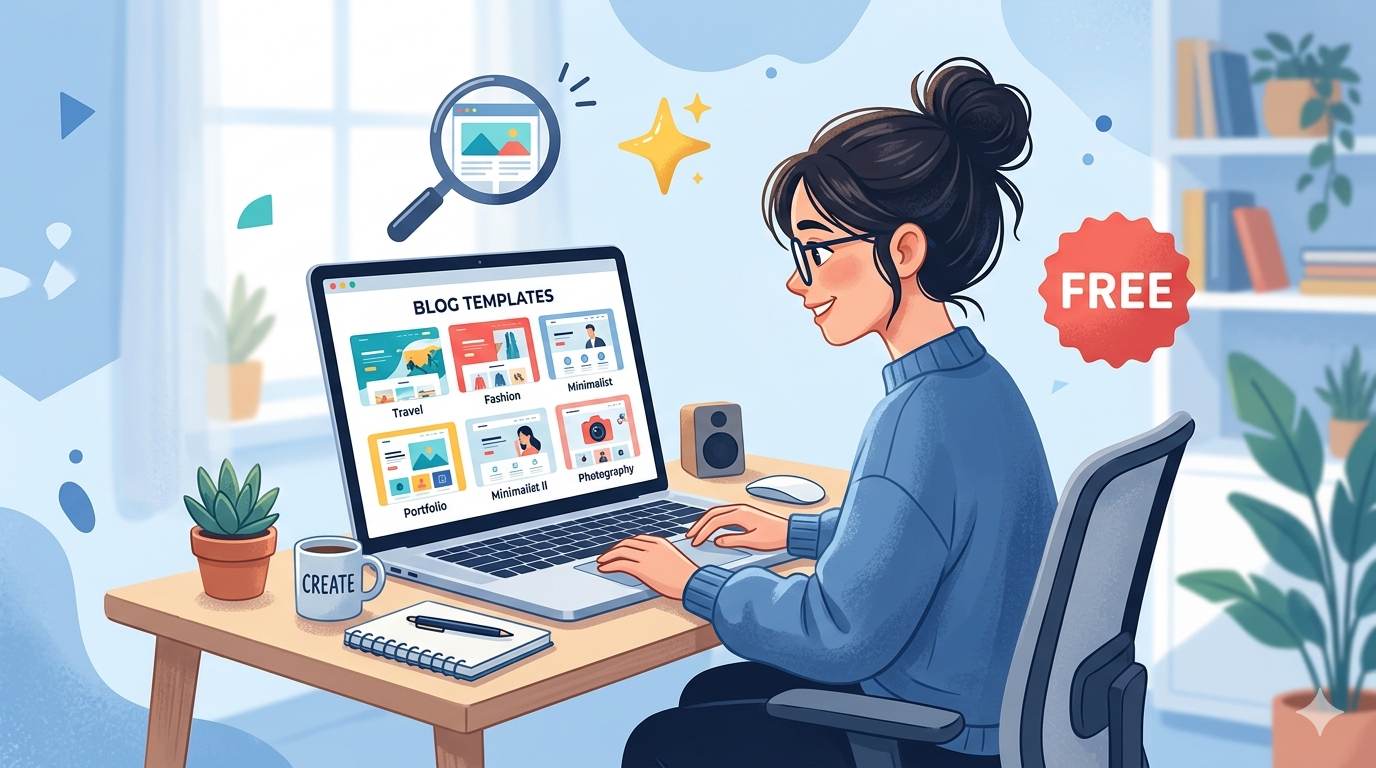
📘 TL;DR – What you’ll learn: A plain default Blogger template turns readers away. This guide shows you how to find clean, responsive, professional free templates – without wasting hours or risking malware. Follow 5 simple steps to choose a template that looks great on mobile, loads fast, and makes your blog stand out.
🔥 The Problem: Your Blog Looks Like Everyone Else’s
Starting a blog is exciting, but a plain default template can make your site feel… well, boring, brother. Even if your content is amazing, a messy or basic design can turn readers away before they read a single word. The good news? You don’t need to spend money or be a tech expert to make your blog look professional. In this guide, I’ll show you how to find the best free Blogger templates – clean, responsive, and professional designs that will make your blog stand out.
Before you start hunting for templates, make sure you know how to install one once you find it. My How to Change Blogger Template guide walks you through the 5-minute installation process. And to track how your new design affects visitor behavior, set up Set Up Google Analytics on Blogger – you’ll see exactly how bounce rate and time on page improve.
📌 True story – Omar
Omar’s blog had great content, but his default template looked like everyone else’s. Visitors bounced within seconds. He spent 2 hours searching for a clean free template using the steps below, installed it in 5 minutes, and his time on site doubled. He didn’t change his writing. He changed his first impression.
⚠️ Before we start: Already have a template in mind? Read the installation guide linked above. This article is about finding the right one first.
✅ What Makes a Blogger Template “Good”? (The 5 Rules)
Think of a Blogger template as your blog’s outfit. A good template helps visitors navigate easily, works well on mobile, loads quickly, and makes your blog feel professional and trustworthy. Here’s what to look for:
- Responsive design – looks good on phones, tablets, and desktops (over 60% of traffic is mobile).
- Clean and simple layout – no clutter, easy to read, white space is your friend.
- Fast loading – avoid heavy graphics or too many widgets. Speed matters for SEO and bounce rate.
- SEO-friendly – proper heading structure (H1, H2, H3).
- Easy to customize – you can change colors and fonts without coding.
📍 Where to Find Safe, High-Quality Free Blogger Templates (Trusted Sources Only)
Always download from trusted sources. Here are the most reliable places I’ve personally used:
- Blogger’s official library – inside your dashboard (safest, but limited options)
- Gooyaabi Templates – popular, modern designs, tested for security
- BTemplates – hundreds of free templates with user ratings
- Templateism – professional and responsive, some free options
- MyTechExpertise – curated free templates
- FreeHTMLDesigns – modern and clean designs
⚠️ Warning: Avoid random sites that ask you to “disable ad blocker” or download suspicious files. Stick to the list above. One bad file can break your blog or add hidden spam links.
📋 Step-by-Step: How to Find the Perfect Free Blogger Template (5 Steps)
Follow these 5 simple steps – no confusion, no overwhelm. You’ll have a shortlist in under an hour.
- Step 1 – Know your niche. A tech blog looks different from a food blog. Browse templates that match your style (minimal, magazine, personal, etc.).
- Step 2 – Search with filters. On sites like BTemplates, use filters: “responsive”, “2 columns”, “free”, “recent”. This cuts out 80% of bad options instantly.
- Step 3 – Preview on mobile. Most sites offer live demo. Always check the mobile view – it’s where most readers will see your blog. Pinch, zoom, scroll. Does it feel good?
- Step 4 – Check loading speed. Use Google’s PageSpeed Insights on the demo URL. If it scores below 70 on mobile, skip it. Slow templates kill engagement.
- Step 5 – Download only from trusted buttons. Look for “Download” or “XML” button – avoid sketchy popups or “Download Now” ads.
🛠️ Quick Tips to Make Your Free Template Shine (After Installation)
- Stick to 2–3 main colors for a clean look. Too many colors look unprofessional.
- Use readable fonts (avoid cursive or tiny text). Your readers’ eyes will thank you.
- Add a logo or header image for branding. Use Visual Content for Bloggers to create one in Canva for free.
- Remove unnecessary widgets (recent posts, blogroll, hit counters) that slow down your site. Less is more.
- Test on your phone before publishing. Always.
❌ Common Beginner Mistakes to Avoid (Learn From Others)
- Choosing a template just because it looks flashy – flashy often means slow and hard to navigate. Clean beats flashy every time.
- Adding too many widgets – each widget adds code and slows your blog. Stick to search, categories, and an email signup form.
- Not testing on mobile – more than 60% of traffic comes from phones. If it’s broken on mobile, fix it or pick another template.
- Forgetting to backup – always backup your current template before installing a new one.
💡 The Brutal Truth (Read This Twice)
You can spend hours searching for the “perfect” free template. You can compare 50 designs, read 20 reviews, and still feel unsure. Here’s the truth: there’s no perfect template. Pick one that’s clean, responsive, and fast. Install it. Use it for a month. Then tweak it. Most beginners waste weeks on the search phase. Don’t be that person.
Follow the steps above, pick one within an hour, and move on to creating content. A good enough template with great content beats a perfect template with no content every time.
⚠️ Remember: Your template is just the frame. Your content is the painting. Don’t spend 90% of your time on the frame. Pick something decent and start writing.
📅 Your 7‑Day Blogger Template Transformation Plan
- Day 1: Backup your current template (30 seconds – do it now).
- Day 2: Browse trusted template sites – save 5 options you like.
- Day 3: Preview each on mobile and check speed (use Google PageSpeed Insights on the demo).
- Day 4: Pick the cleanest, fastest option – don’t overthink. Just pick one.
- Day 5: Install the template (5 minutes – use the installation guide).
- Day 6: Customize colors, fonts, and add your logo.
- Day 7: Test on mobile and desktop – share with a friend for feedback. Then start writing.
After 7 days, your blog will look professional and feel like yours. $0 spent. No more default template embarrassment.
🙋 Frequently Asked Questions
Are free Blogger templates safe?
Yes, if you download from trusted sources like BTemplates, Gooyaabi, or Templateism. Avoid random sites with pop-up ads and “download now” buttons.
How do I know if a template is responsive?
Open the demo on your phone. If it resizes properly and text is readable without pinching, it’s responsive. Most modern templates list “responsive” in their features.
Can I switch templates after I’ve published posts?
Yes. Your content stays exactly the same. Only the design changes. Always backup first.
Why does my template look different on my phone than on desktop?
Some templates aren’t fully responsive. That’s why you should always preview on mobile before downloading. If it’s broken on mobile, skip it.
How many widgets should I add to my sidebar?
Stick to 3-5 widgets max: search bar, categories, about section, and email signup form. Too many widgets slow down your blog and distract readers.
🎤 Final Thoughts: Stop Settling for Boring
The best free Blogger templates are out there – you just need to know how to find them. Use the step-by-step process above, avoid common mistakes, and stop overthinking. Your blog’s design should support your content, not distract from it. Pick a clean, fast template today, make it your own, and let your blog shine.
Your default template is costing you readers. Every day you wait, people land on your blog and leave because it looks unprofessional. Don’t let that happen. Pick a template today. Install it. Then come back and thank yourself, brother.
👉 Ready to stop settling for a boring default template? Browse BTemplates or Gooyaabi – all templates are free, responsive, and tested. Pick one in under 30 minutes.