SEO for Images: 7 Easy Tips to Rank Higher with Your Blog Photos

SEO for Images: 7 Easy Tips to Rank Higher with Your Blog Photos
Let me ask you something, brother. Have you ever uploaded a picture to your blog and just… moved on? No renaming it. No resizing it. No thinking about how it affects Google. If yes, you’re not alone — most new bloggers do this.
But here’s the truth: your images can actually help your blog rank better on Google — if you know how to optimize them. And don’t worry, it’s not hard. In this post, I’ll walk you through everything you need to know about SEO for images, step by step. Let’s make your pictures work smarter for your blog.
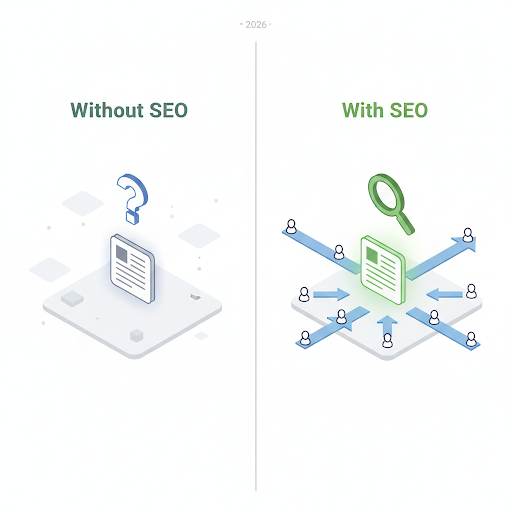
Images that are too big can slow down your blog. Google can’t “see” your image unless you describe it. Good image SEO makes your blog look more professional — and can bring you free traffic from Google Image Search. Every time you add a photo, you have a chance to help your SEO — or hurt it.
What Is SEO for Images?
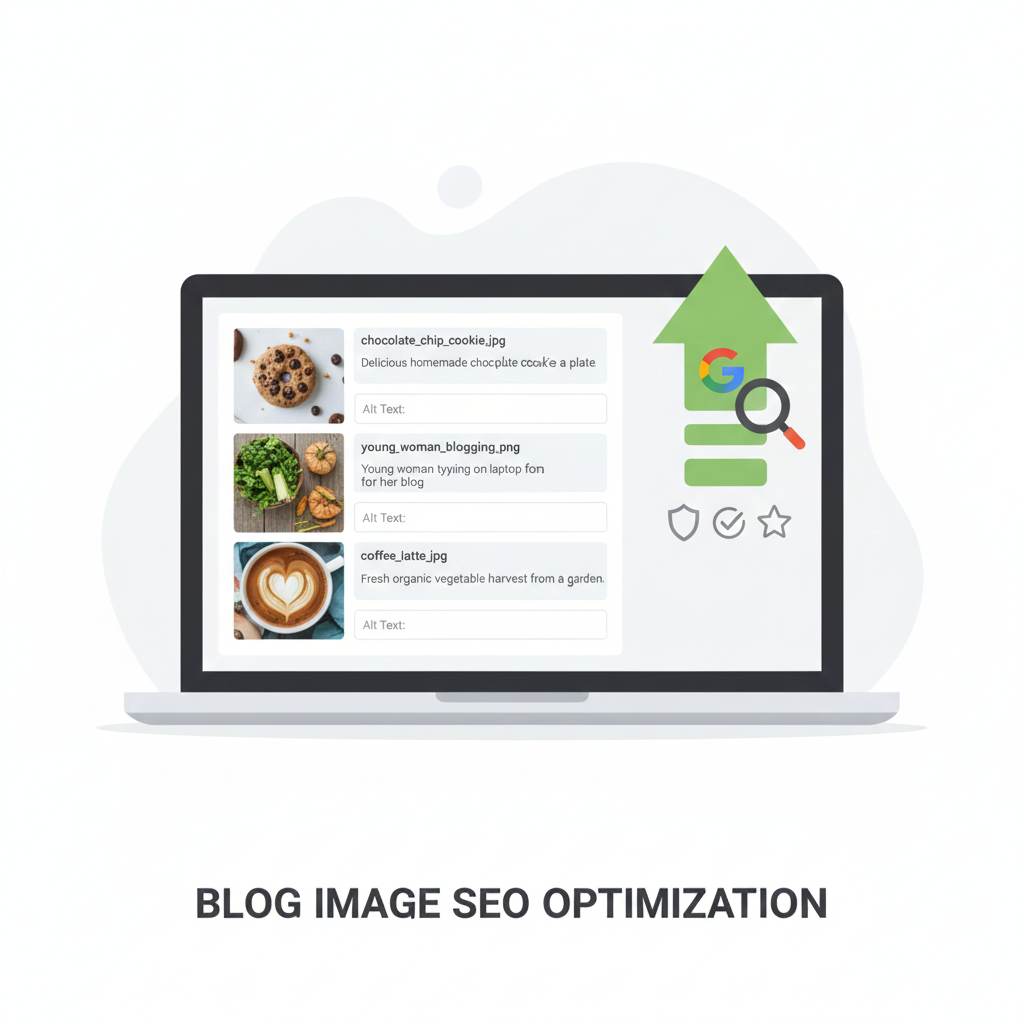
SEO for images is simply the way you prepare and add images to your blog so that:
- Your site loads faster
- Google understands what your images show
- You show up in Google Image Search
- Your posts rank better overall
In short: it’s how you help Google and your readers at the same time. (For more on overall SEO, check out Blogger SEO Checklist for 2026.)
Why Image SEO Is a Big Deal
You might think, “I’m focusing on text and keywords… do images even matter?” Yes — more than you think.
Here’s why:
- Images that are too big can slow down your blog
- Google can’t “see” your image unless you describe it
- Good image SEO makes your blog look more professional
- It can bring you traffic from Google Image Search
So every time you add a photo or graphic, you have a chance to help your SEO — or hurt it. (Learn how user experience affects rankings in User Experience for Beginners.)
How to Do Image SEO (7 Easy Tips)
1. Rename the Image File Before Uploading
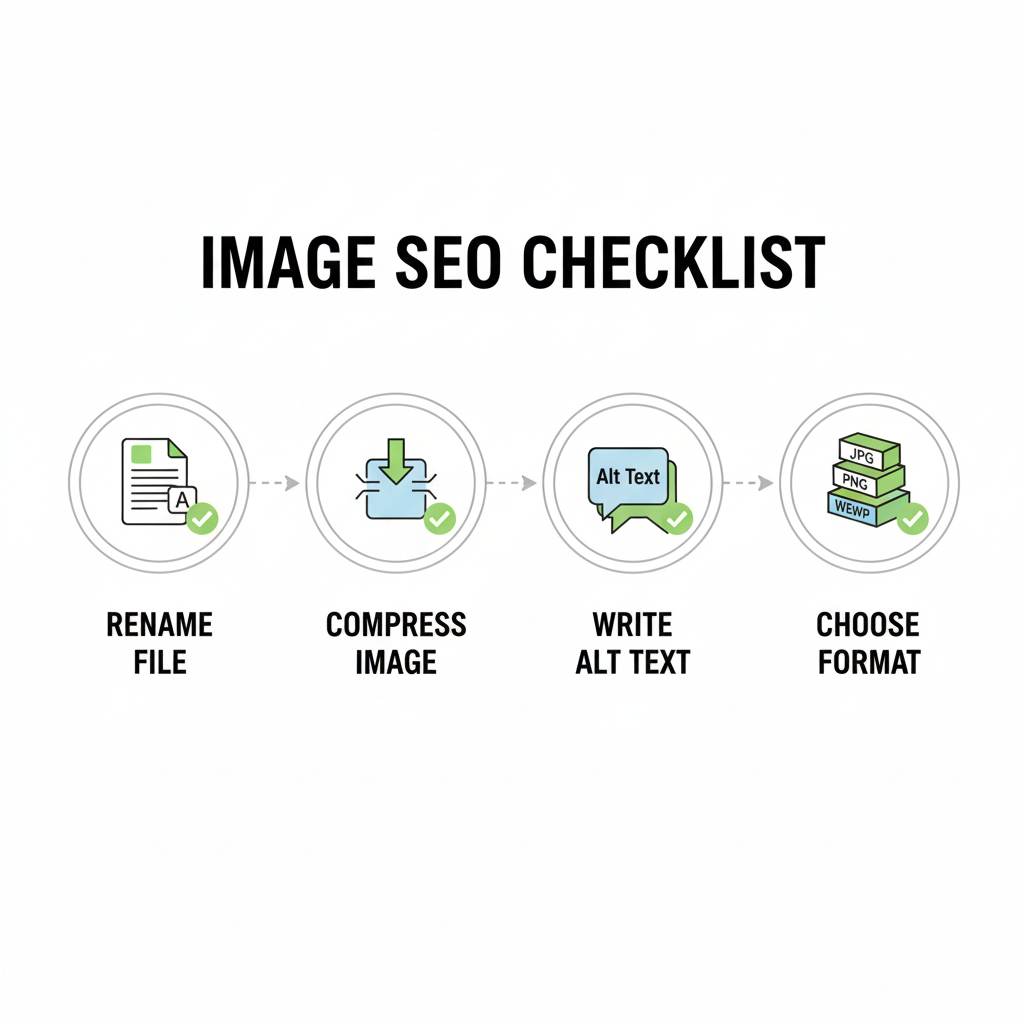
Before uploading, change the file name to something that tells Google what it is.
Bad: IMG_4728.jpg
Good: blogging-tools-setup.jpg
Use real words, lowercase, and hyphens between them. (See Visual Content for Bloggers for more design tips.)
2. Resize and Compress the Image
Uploading large images slows down your blog. That’s bad for SEO and user experience.
Before uploading, use free tools like: TinyPNG or Squoosh. These tools shrink the image file size without making it look ugly.
3. Write a Clear Alt Text
Alt text is a short line that describes your image. Google uses this to understand what the picture shows.
Good alt text: “Person typing on a laptop for a blog”
Bad alt text: “Image123” or “seo pic”
Keep it short and real. If it makes sense, include a keyword, but don’t force it. (Fix other meta issues with Fix Broken Meta Tags for Blogger.)
4. Use the Right Format
- Use JPG for photos
- Use PNG for graphics or logos
- Use WebP for best speed (if your platform supports it)
Tip: Avoid old heavy formats like BMP or TIFF.
5. Check How It Looks on Mobile
A lot of bloggers forget this — but most readers are on their phones. So always preview your blog post on mobile.
Make sure your images: fit the screen, load fast, and aren’t blurry.
6. Turn On Lazy Loading
This simply means that images load only when the reader scrolls down to them. It makes your blog load faster overall.
If you’re using Blogger, you can add lazy loading with a simple script. If you’re on WordPress, most themes or plugins have it built-in.
7. Use Your Own Images or Royalty-Free Ones
Don’t take pictures from Google. That’s not just bad for SEO — it’s risky.
Instead, use: Unsplash, Pexels, or Canva to design your own. Or even better — take your own photos.
Want Your Images to Show Up in Google Search?
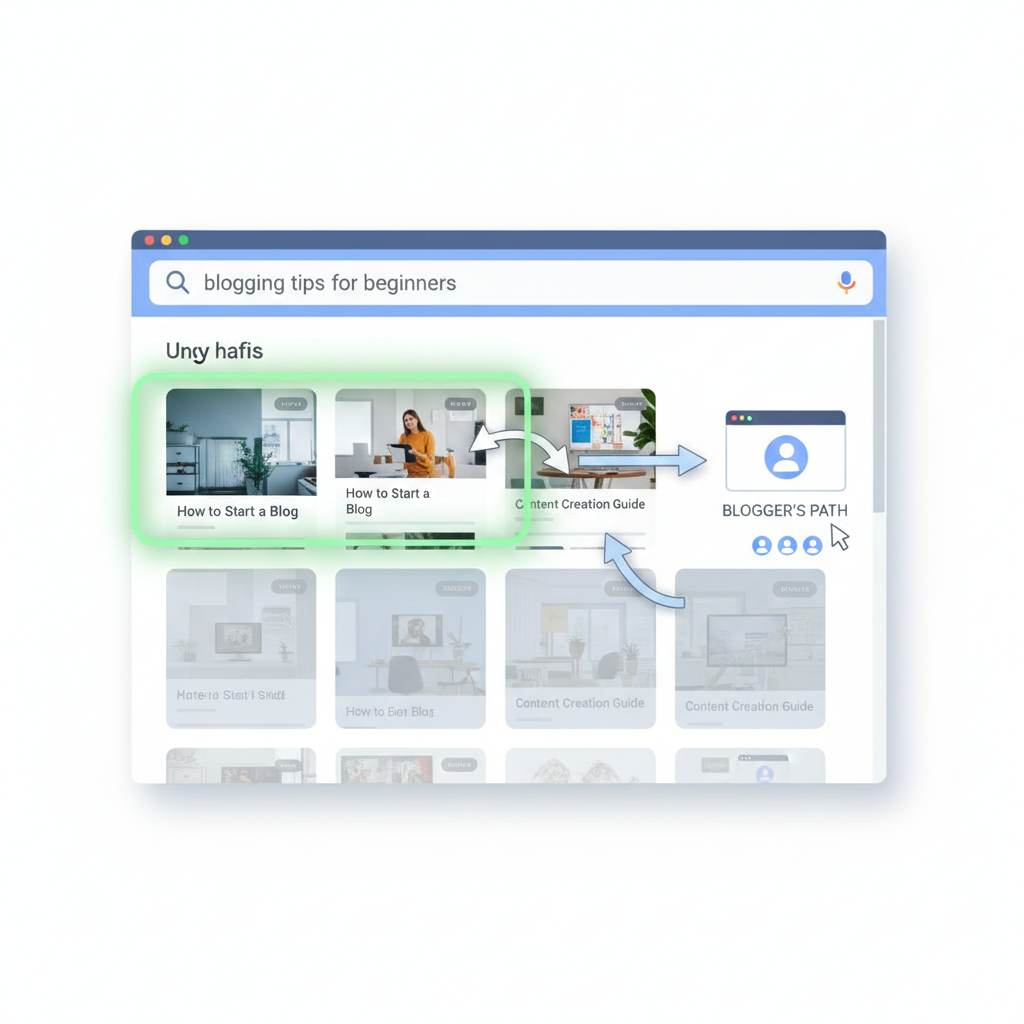
When you do image SEO right, your pictures can appear in Google Image Search, bringing in extra traffic.
Imagine this: Someone types “best blogging tools,” sees your image, clicks it, and lands on your post. That’s free traffic — just from one image. (Track your image traffic with Google Search Console for Blogger.)
Quick Do’s and Don’ts for Image SEO
✅ Do:
- Rename your images before uploading
- Write useful alt text
- Use compressed images
- Pick the right format
- Think about mobile users
❌ Don’t:
- Upload huge files straight from your phone
- Use random or default file names
- Stuff keywords in the alt text
- Take images from Google
☐ Day 1: Audit your 10 most popular posts. Check image file names.
☐ Day 2: Rename any generic images (IMG_1234.jpg → helpful-keyword.jpg).
☐ Day 3: Compress all images using TinyPNG or Squoosh.
☐ Day 4: Write or improve alt text for each image. Be descriptive.
☐ Day 5: Check mobile view for all posts. Fix any blurry or oversized images.
☐ Day 6: Ensure you’re using royalty‑free or original images (not stolen).
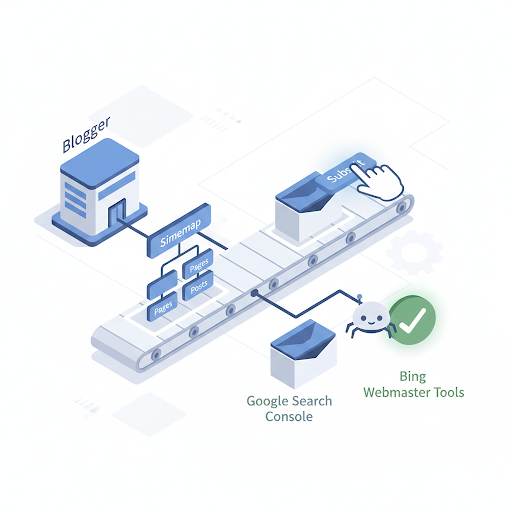
☐ Day 7: Submit your updated sitemap to Google Search Console.
In one week, your images will start working for your SEO — not against it.
FAQ – SEO for Images (Beginners Ask)
- Do I need to optimize every single image?
Yes, but start with your most important posts (highest traffic). Then work backward. Every optimized image helps. - What’s the ideal image size for a blog?
Keep width between 800‑1200px. File size under 200KB (ideally under 100KB). Use TinyPNG to compress. - Can I use AI‑generated images?
Yes, but add descriptive alt text. AI images are fine as long as they’re relevant and original. - How long until I see traffic from Google Image Search?
It can take 2‑4 weeks. Be patient. Keep optimizing. (Monitor with Google Search Console for Blogger.)
You Might Also Like
These guides from the same blog will help you master visual SEO and grow your traffic:
🎨 Visual Content for Bloggers: 6 Tips to Elevate Your Blog
🔧 Fix Broken Meta Tags for Blogger in 5 Minutes (2026 Guide)
📊 Blogger SEO Checklist for 2026 – What Really Works
📈 Google Search Console for Blogger: Free SEO Tool (2026 Guide)
⚙️ User Experience for Beginners: Fix 7 Mistakes That Kill Blogs
🚀 8 Free Traffic Strategies That Actually Work in 2026 (No Ads, No Budget)
✍️ 10 Essential Blog Writing Tips to Boost Your Content
Final Thoughts: Small Changes, Big Results
You don’t need to be an expert or a designer to do SEO for images. Just follow these simple steps every time you add a photo to your blog. It’ll make your site faster, more professional — and yes, help your posts rank better.
Small changes = big results over time. So next time you upload an image, remember: you’re not just adding a picture… you’re building your SEO.
You’ve got this, brother. 🚀
Compress Your Images for Free (TinyPNG) →
Drag, drop, download. Then upload to your blog. Your site speed will thank you.