Tips for Creating Content: 8 Easy Steps for Beginners (No Experience Needed)
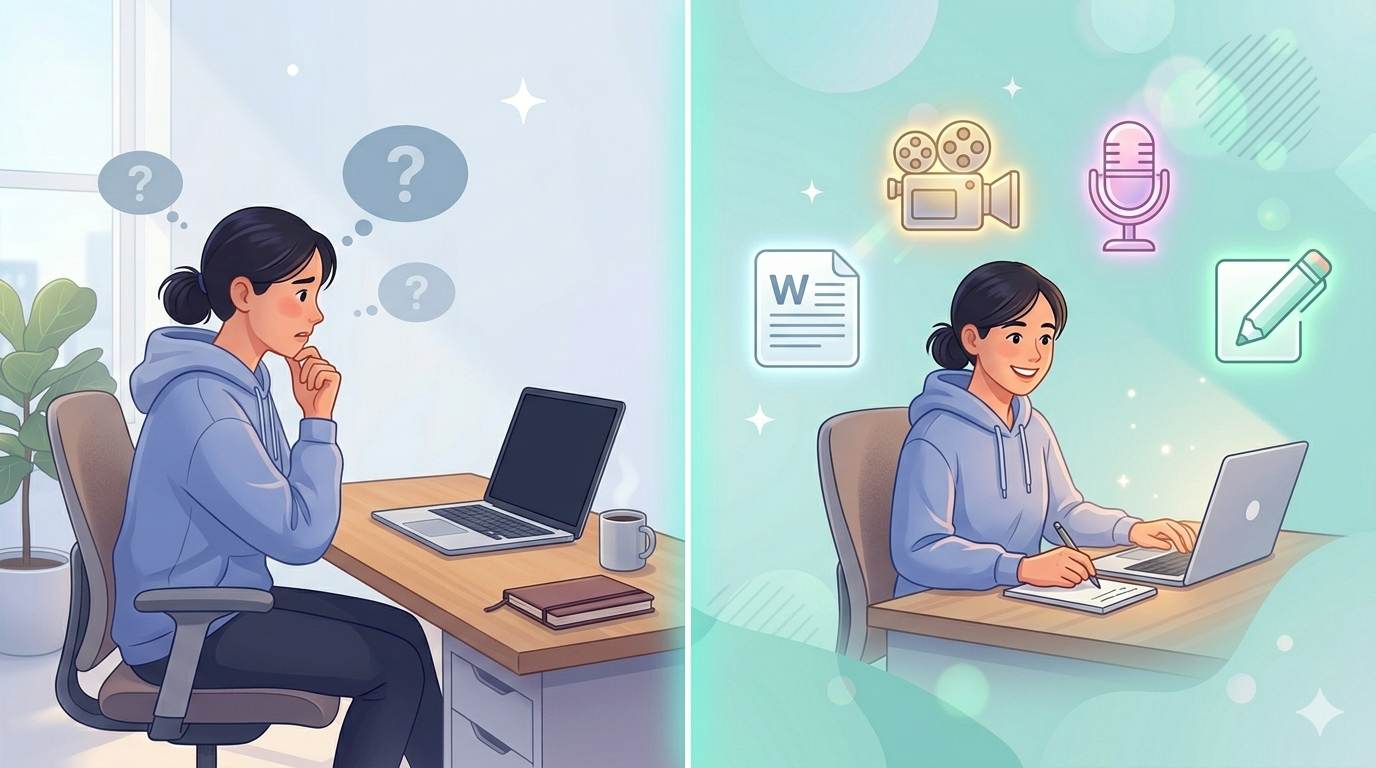
📘 TL;DR – What you’ll learn: You don’t need to be a professional writer to create content people actually read. These 8 simple tips will help you start publishing – even if you’ve never written a blog post before. No fancy tools, no perfectionism, just action.
🔥 The Fear That Stops Most Beginners
So, you’re curious about creating content – but you have no idea where to start. You’re not alone, brother. Whether you want to start a blog, post on social media, or write helpful articles, it all starts with learning the basics.
The good news? You don’t need to be a professional writer or marketing expert to create great content. This guide is here to give you clear, simple, and useful tips for creating content – even if you’re a total beginner.
Before we dive into the tips, make sure you have a steady stream of ideas. My blogging Ideas for Students guide gives you 21 fun topics to write about. And to make your content visually engaging, check out Visual Content for Bloggers – it’s free and beginner‑friendly.
📌 True story – Layla
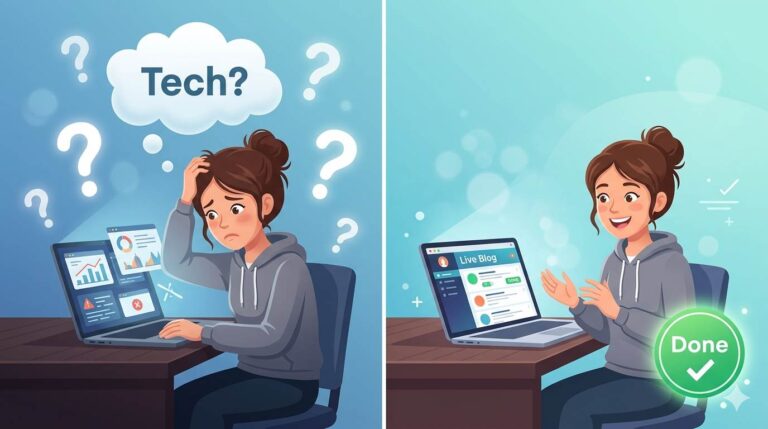
Layla wanted to start a blog but felt paralyzed. She thought she needed perfect grammar and fancy design. After reading simple tips for creating content, she published her first post – an ugly 300-word story about her morning routine. Within 2 months, she had 5,000 readers. She didn’t wait to be perfect. She just started.
✅ What Does “Creating Content” Even Mean? (No Jargon)
Creating content means making anything people can read, watch, or listen to online. This could be a blog post, a YouTube video, an Instagram Reel, or a podcast episode. If it helps someone, entertains them, or teaches them something – they’ll likely see it as valuable content.
⚠️ Why you should care: Content is how people discover you online. Want more traffic? More followers? More trust? You need good content. That’s how you show up on Google, Pinterest, and social media.
🎯 Why Should You Care About Creating Content?
Here’s the truth: content is how people discover you online. Want more traffic to your blog? More followers on social media? More people to trust your brand? You need good content. That’s how you show up in Google, stay active on Pinterest, or build an email list.
✍️ 8 Simple Tips for Creating Content That Actually Works
Here’s the part you came for. These tips are powerful but easy to follow:
1. Know Who You’re Talking To
Think of one person you want to help. Not “everyone.” One person. What questions do they have? What are they struggling with? What would they search for on Google? This helps you stay focused and talk in a friendly, real way.
2. Start With One Idea
Don’t try to say everything in one post. Just pick one idea and keep it clear. For example: instead of writing about “how to grow your blog,” write about “how to choose your blog niche.”
3. Don’t Overthink the Writing
You’re not writing a college essay. You’re having a conversation. Write like you’re talking to a friend. Use short sentences. Break things into sections. Be clear, not fancy.
4. Use Headlines to Break Things Up
Headlines (like this one) help your reader scan the page. They make your post easier to read. Also, search engines like Google love when content is structured well. Win-win.
5. Focus on Being Helpful
Before you publish anything, ask yourself: “Will this help someone solve a problem or learn something?” That’s the golden rule. Creating helpful content builds trust. People start to see you as someone worth following.
6. Don’t Wait for “Perfect”
If you wait until your content is perfect, you’ll never publish anything. Trust me. You learn by doing. You get better the more you create.
7. Repurpose What You Make
One blog post can become: 3 Instagram quotes, 1 Pinterest pin, a short YouTube video. You don’t need to start from scratch every time. This saves hours.
8. Use Tools That Make It Easier
There are free tools that help a lot: Grammarly for fixing grammar mistakes, Canva for making images or social graphics, and Answer the Public for finding questions people ask. Start simple. You don’t need 50 tools. Just a few that make the job easier.
❌ Common Mistakes Beginners Make (and How to Avoid Them)
- ❌ Trying to Be Perfect – ✅ Done is better than perfect. Publish, then improve later.
- ❌ Writing for Yourself, Not Your Reader – ✅ Think about what THEY want to learn, not what you want to say.
- ❌ Copying Others Word-for-Word – ✅ Get inspired – but be original. Use your own voice.
- ❌ Giving Up Too Soon – ✅ Building your content library takes time. Keep going.
To avoid more beginner pitfalls, read Blogging Mistakes for Beginners – it covers 15 errors that kill growth before you even get started.
💡 The Brutal Truth (Read This Twice)
You can read 100 guides on tips for creating content. You can watch 50 YouTube tutorials. But until you publish something – even if it’s ugly, short, or imperfect – you’re not a creator. You’re just a consumer.
Most beginners never start because they’re afraid of being judged. But here’s the secret: nobody cares about your first post as much as you do. Publish it. Learn from it. Then publish another one. The only bad content is content that never sees the light of day.
⚠️ Remember: Your first post won’t be perfect. It shouldn’t be. Perfection is a trap. Progress is the goal.
📅 Your 7‑Day Content Creation Starter Plan
- Day 1: Pick one topic you care about (hobby, skill, problem you solved).
- Day 2: Write down 5 questions people ask about that topic.
- Day 3: Choose 1 question and write a short answer (200 words). Don’t edit yet.
- Day 4: Add a headline and break the text into 3 short paragraphs. Make it skimmable.
- Day 5: Create one simple image using Canva (or take a photo).
- Day 6: Publish your content – on a blog, social media, or even a Google Doc. Just get it out.
- Day 7: Share it with one friend and ask for honest feedback. Then start your next piece.
After 7 days, you’ll have published your first piece of content. $0 spent. Zero excuses.
🙋 Frequently Asked Questions
Do I need a blog to start creating content?
No. You can post on LinkedIn, Medium, or even Instagram. But a blog gives you long‑term ownership. Start where you’re comfortable.
How long should my first post be?
300‑500 words is fine. Focus on clarity, not length.
What if I have no ideas?
Use Google autocomplete or “People also ask” – type a broad topic and see what questions come up. Answer one of them.
How often should I publish?
Once a week is enough for a beginner. Consistency matters more than frequency.
Can I use AI to write for me?
You can use AI for outlines or research, but your voice must be yours. Readers connect with humans, not robots.
🎤 Final Thoughts: Start Before You Feel Ready
You don’t need to have it all figured out. You just need to start. Take one of these tips for creating content and act on it today. The more you create, the better you’ll get. And soon enough, you’ll feel confident publishing content that actually helps people – and maybe even grows into something bigger.
The only difference between someone who “wants to create content” and someone who does is one published post. Make yours today.