How to Start a Blog on Blogger for Free (2026)
📘 TL;DR – What you’ll learn: You don’t need coding skills, hosting fees, or technical knowledge to start a blog. Blogger is a free tool by Google that lets you create a blog in 10 minutes – no credit card required. This guide walks you through every step, from signing up to publishing your first post. Stop waiting. Start today.
🔥 The Fear That Keeps You Stuck
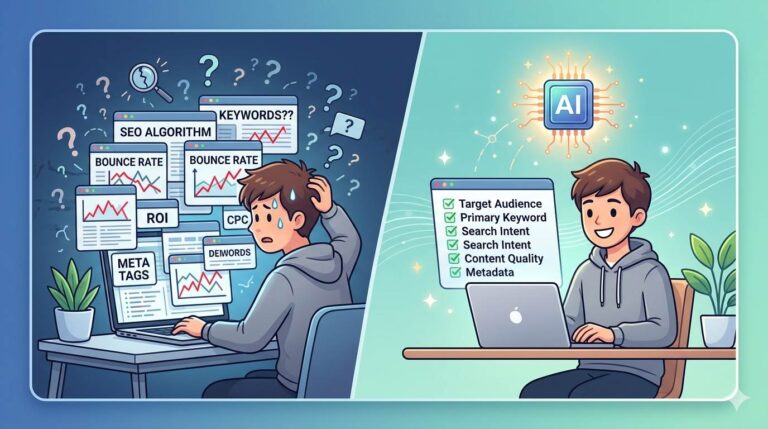
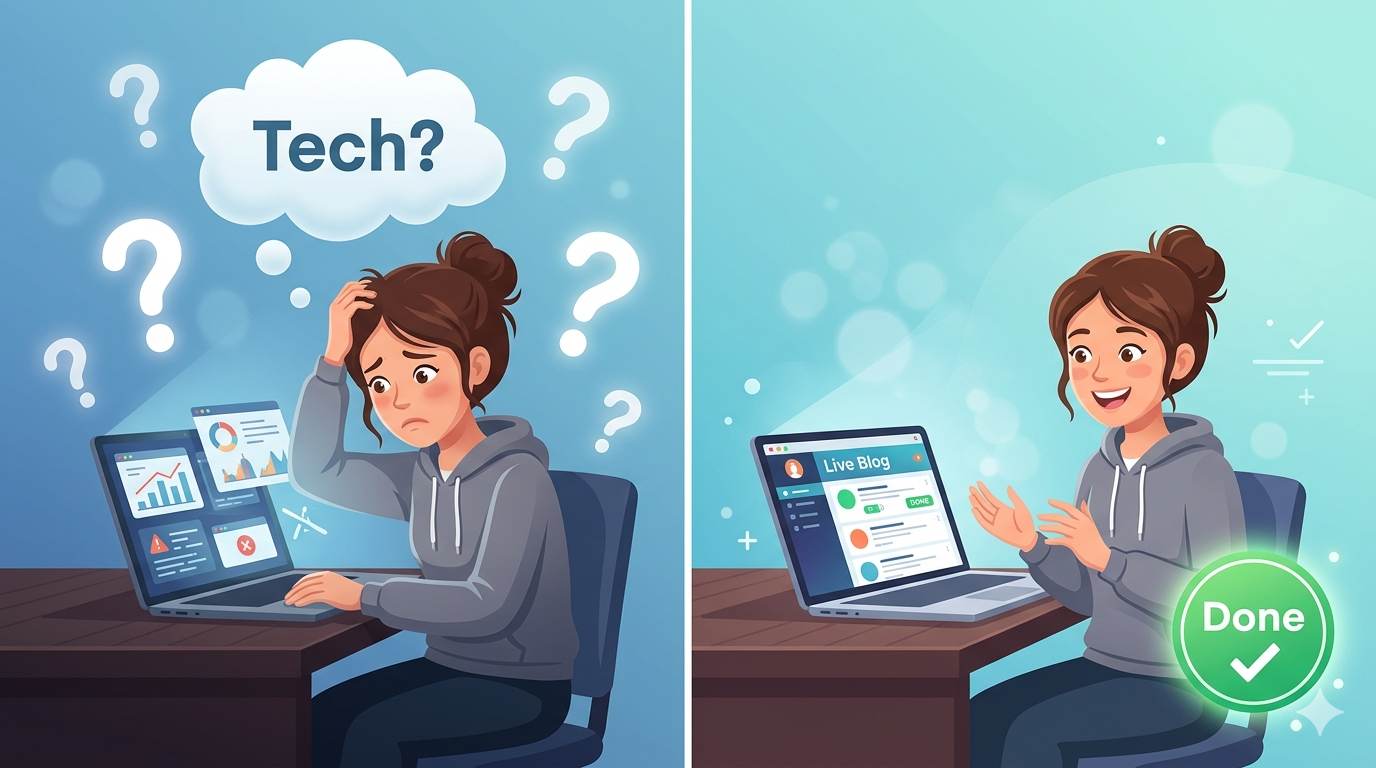
Let me guess, friend. You want to start a blog. But the thought of “technology” makes your stomach tighten. Words like “hosting,” “domain,” “coding” sound like a foreign language. You’re afraid you’ll break something. You’re afraid you’re not smart enough. Stop right there. That fear is lying to you. I’ve helped hundreds of beginners just like you start their first blog on Blogger – with zero tech skills. In fact, you’ll have your blog live in less time than it takes to watch a TV show. Let me prove it.
Before we dive in, understand that starting is the hardest part. Once you have a blog, you’ll want to customize it. My Best Free Blogger Templates guide shows you where to find clean, professional designs. And to make your blog look complete, read How to Customize Blogger Template – it covers safe editing practices.
📌 True story – Sarah was terrified of tech
Sarah had never built a website. She didn’t know what “HTML” meant. She thought you needed to be a computer genius to start a blog. Then she followed this guide. 12 minutes later, her blog was live. She cried happy tears. Within 6 months, she had 10,000 monthly readers and started earning money. She wasn’t smart. She just started.
⚠️ The #1 Thing Keeping You Stuck
You’re waiting for the “perfect time.” You’re waiting until you feel “ready.” Here’s the truth: you’ll never feel ready. That feeling of fear never goes away. Successful bloggers don’t wait for fear to disappear – they take action despite it. So close your eyes, take a breath, and follow the steps below. Your blog will be live before your fear catches up.
✅ What Is Blogger? (The Simple Explanation)
Blogger is a free tool by Google that lets you create your own blog in minutes. You don’t need to buy hosting or learn coding. It’s perfect if you’re just starting out. You just need a Gmail account — that’s it. Think of it like creating a free Google Doc, but for the whole world to see.
📊 Why Start a Blog on Blogger? (Especially If You’re Scared)
- ✅ It’s completely free – no credit card required
- ✅ You don’t need technical skills – just clicking buttons
- ✅ It’s owned by Google – reliable and trusted
- ✅ Easy to set up in less than 10 minutes
- ✅ You can change everything later – nothing is permanent
📋 How to Start a Blog on Blogger (Step-by-Step – No Fear)
Follow these 6 simple steps. I’ll hold your hand the whole way.
Step 1: Go to Blogger.com
Open a new tab. Type Blogger.com. Sign in with your Google account (the same one you use for Gmail or YouTube).
Step 2: Click “Create New Blog”
You’ll see an orange button that says “Create New Blog.” Click it. See? You’re already doing it.
Step 3: Pick a Blog Name
Choose something short and clear. For example: “Easy Cooking Tips” or “Travel with Sarah.” Don’t overthink it – you can change it later. Just pick something you like. Use Grammarly to check your writing as you go.
Step 4: Choose a Blog URL (Your Web Address)
This is your address on the internet, like mycoolblog.blogspot.com. Keep it simple and easy to remember. If it says “Not available,” try adding a word or number. That’s it.
Step 5: Pick a Template (Design)
You’ll see a few simple themes. Just pick one that looks clean. Don’t spend more than 30 seconds on this – you can change it later. The content matters more than the design.
Step 6: Create Your First Post
Click “New Post”. Write a short introduction: “Hi, I’m [your name]. I started this blog to share [your passion].” Hit Publish. Congratulations – you’re now a blogger! 🎉
Use Canva to create a simple header image for your first post and make it look professional.
Once your blog is live, you’ll want to create essential pages like About and Contact. For a complete guide, read How to Add Pages in Blogger – it walks you through creating every page your blog needs.
💡 The Brutal Truth (Read This Twice)
Here’s what most beginners don’t realize: your first blog post won’t be perfect. Your design won’t be amazing. Nobody will read it at first. That’s normal. Every successful blogger started exactly where you are now – scared, unsure, and with zero readers. The difference between bloggers who “make it” and those who quit is simple: they kept publishing. They didn’t wait for perfect. They just started.
So stop waiting for the “right time.” Open Blogger right now. Create your blog. Write one post. Publish it. Then write another. Your future readers are out there – but they won’t find you until you start. You’ve got this. I believe in you.
⚠️ Remember: Your first post doesn’t have to be amazing. It just has to be published. You can’t improve a post that doesn’t exist. Start today.
📅 Your 7‑Day Blogger Launch Plan (No Fear, Just Action)
- Day 1: Create your Blogger blog (follow the 6 steps above – takes 10 minutes).
- Day 2: Write your first post – introduce yourself and explain what you’ll blog about.
- Day 3: Publish your first post. Share it on your personal social media.
- Day 4: Write a second post – answer a question you’ve been asked before.
- Day 5: Customize your template (change colors, add a header image) – it’s all point-and-click.
- Day 6: Add a few gadgets (About Me, social media icons, popular posts) – all from the Layout menu.
- Day 7: Plan your next 5 post ideas. Write the first one.
After 7 days, you’ll have a live blog with 2-3 posts. You’ll be ahead of 90% of people who never start.
❌ Common Beginner Mistakes (That You Can Avoid)
- ❌ Overthinking the design – focus on writing first, not colors
- ❌ Waiting for “perfect” – perfect doesn’t exist. Publish anyway.
- ❌ Publishing once and disappearing – blogging takes consistency, not perfection
- ❌ Writing for “everyone” – speak to one person (like we’re doing now)
🙋 Frequently Asked Questions
Is Blogger really free?
Yes. Blogger is 100% free. No hosting fees, no hidden costs. Google owns it and keeps it free.
Do I need to know coding?
No. Everything is point-and-click. You can customize your blog without touching a single line of code.
Can I make money from a Blogger blog?
Yes. You can add Google AdSense, affiliate links, and digital products. Many bloggers earn a full-time income from Blogger.
What if I want to change my blog name later?
You can change your blog name and URL (up to a point) in Blogger settings. Nothing is permanent.
How long does it take to see traffic?
3-6 months with consistent posting. Be patient. Keep writing and promoting your posts.
🎤 Final Thoughts: Your Blog Is Waiting
How to start a blog on Blogger for free isn’t complicated. It’s not about being smart or techy. It’s about taking one small step today. Right now, open a new tab. Go to Blogger.com. Click “Create New Blog.” Pick a name. That’s it. Your future readers are waiting for you. Don’t let fear steal another day from your dream. You’ve got this, friend. 👻
👉 Ready to start your free blog right now? Go to Blogger.com. Sign in with Google. Click “Create New Blog.” Pick a name. Publish your first post. Takes 10 minutes.