How to Create a Blog on Blogger with No Design Skills (2026 Guide)
📘 TL;DR – What you’ll learn: You don’t need design skills to create a professional Blogger blog. This guide walks you through creating your account, installing a modern free theme, removing clutter, adding essential pages, writing your first post, and doing basic SEO. In 30 minutes, your blog will look clean, fast, and trustworthy – no coding required.
🔥 The Template Problem
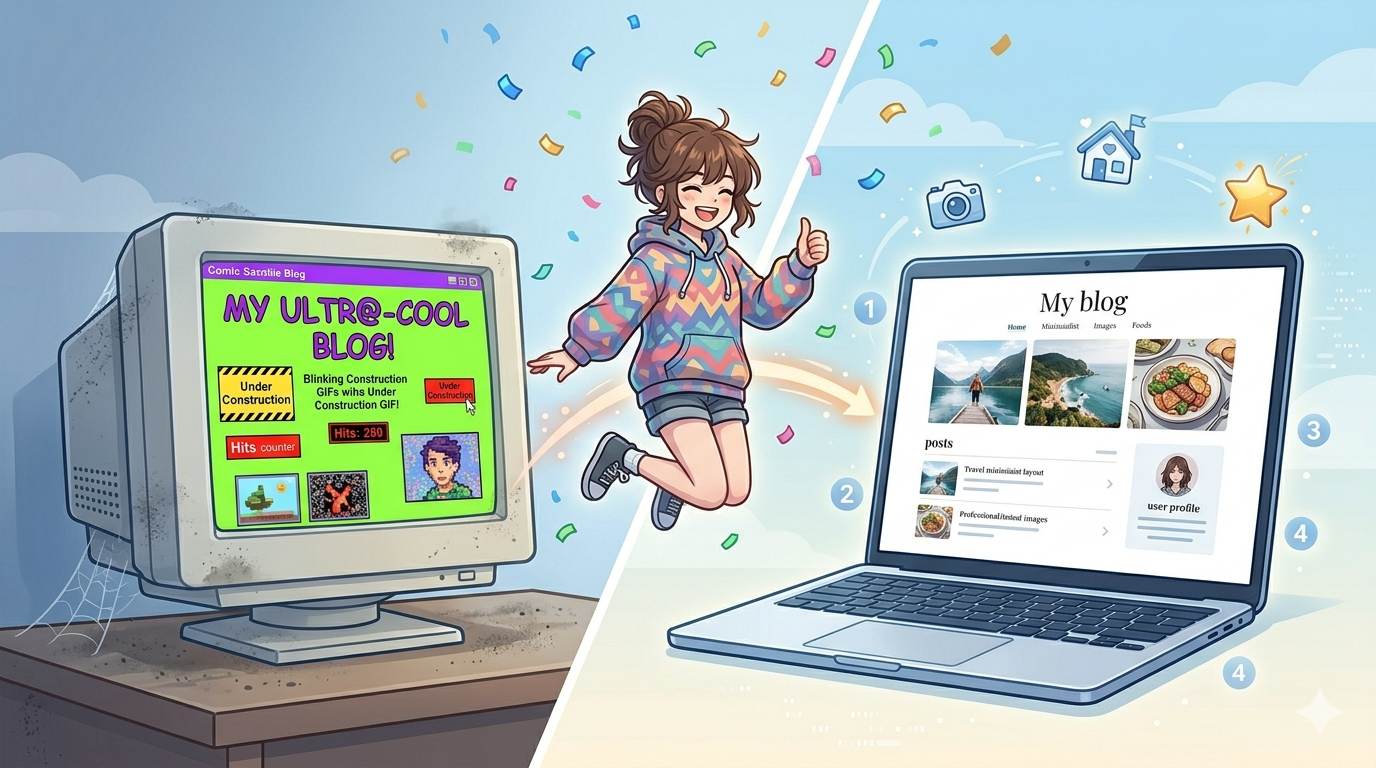
Let me ask you something, friend. You finally decided to start a blog. You heard Blogger is free and easy. You sign up, pick a template, and… oh no. It looks like something from 1999. Comic sans. Weird colors. Cluttered sidebars. You feel embarrassed before you even write a single word.
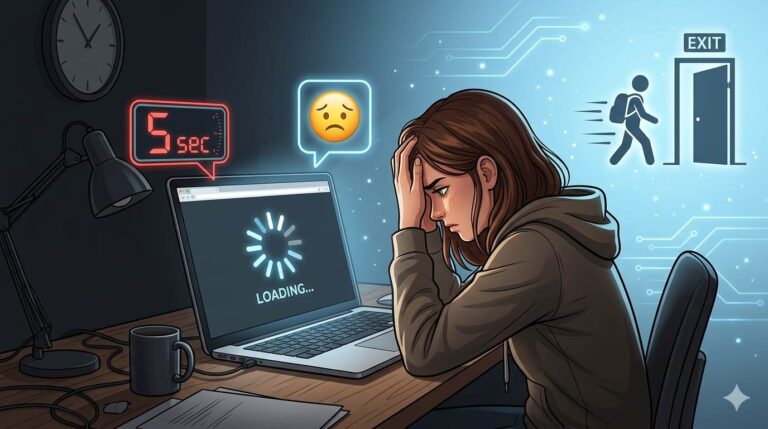
Here is the truth: most Blogger blogs look outdated because most beginners never take the extra 10 minutes to fix the design. They use the default template, write great content, but nobody stays because the site feels untrustworthy.
You do not need to be a designer. You do not need to code. You just need a system – the same one I have used to build multiple modern, fast, professional blogs on Blogger.
In this guide, I will show you how to create a blog on Blogger that actually looks good in 2026. No cringe. No tech stress. Just a clean, fast, reader‑friendly blog you will be proud to share.
Before we dive in, understand the foundation of a successful blog. My How to Start a Blog on Blogger guide covers the initial setup. And to get your blog found on Google, set up Google Search Console for Blogger – it’s free and shows you how Google sees your site.
📌 Real story – Huda’s first blog looked terrible (and she almost quit)
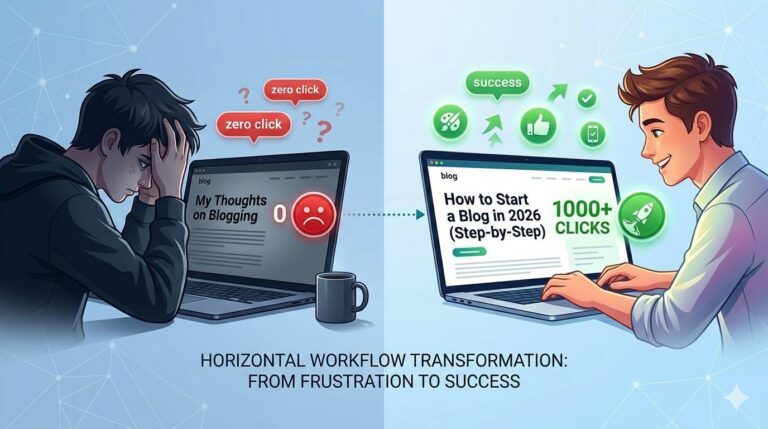
Huda started a food blog on Blogger. She used the default template. Her recipes were amazing, but her bounce rate was 85%. People left within seconds. She felt like a failure. Then she spent 20 minutes fixing her design. She switched to a clean, mobile‑friendly theme. She removed clutter from her sidebar. She added a simple logo. Her bounce rate dropped to 55%. People started reading her recipes. She did not write better content. She just made her blog look credible.
⚠️ The #1 reason visitors leave your blog immediately: An outdated, cluttered, or hard‑to‑read design. Before they read a single word, they judge your credibility by how your blog looks. Fix the design first, then write.
✅ Why Blogger? (And Why Most People Get It Wrong)
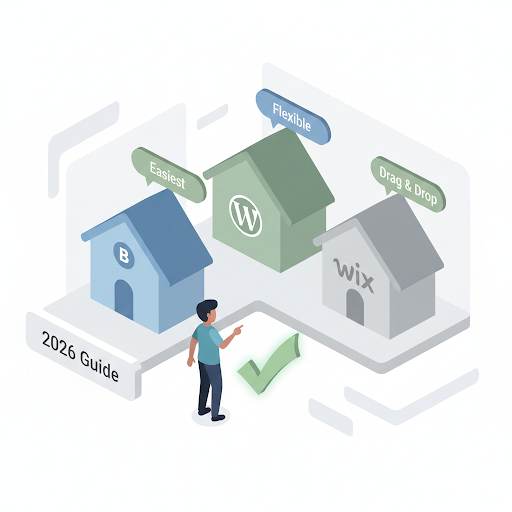
Blogger is free, owned by Google, and incredibly reliable. No hosting fees. No security headaches. It is perfect for beginners. But the default templates are… not great. They are often slow, not mobile‑optimized, and look dated.
The good news? You can transform any Blogger blog into a modern, professional site in under 30 minutes – without touching a single line of code (or with very minimal, copy‑paste HTML).
📋 Step 1 – Choose a Topic and Name That Do Not Limit You
Before you create your blog, decide on a niche. Do not pick something too broad (“lifestyle”) or too narrow (“vegan gluten‑free breakfast recipes for left‑handed people”). Find a middle ground.
Good examples: “Budget meal prep for students”, “Beginner fitness at home”, “Productivity tips for freelancers”.
Then pick a name. Keep it short, easy to spell, and memorable. Avoid numbers and hyphens. “HealthyFlame.com” is better than “health-4-u-blog.com”.
🛠️ Step 2 – Create Your Blogger Account (The Right Way)
- Go to blogger.com.
- Sign in with your Google account (Gmail).
- Click “Create Blog”.
- Enter your blog name and URL (example:
yourblogname.blogspot.com). - Choose a temporary theme – do not worry, you will change it later.
- Click “Create Blog”.
Done. Your blog exists. Now let us make it look good.
🎨 Step 3 – Ditch the Default Template (Choose a Modern, Free Theme)
Blogger’s default templates are not great. But there are hundreds of free, modern, mobile‑optimized templates available online. Here is where to find them:
- Gooyaabi Templates – Large collection of clean, modern Blogger themes.
- BTemplates – Another reliable source for free themes.
- ThemeXpose – Simple, fast, SEO‑friendly themes.
How to install a new theme:
- Download the theme XML file from the website.
- Go to Blogger → Theme → Backup / Restore (download your current theme as backup first).
- Click “Upload” and select the downloaded XML file.
- Click “Publish”.
What to look for in a good theme: Mobile‑responsive, clean layout, fast loading, simple colors (white background with easy‑to‑read fonts).
📐 Step 4 – Customize Your Layout (Remove the Clutter)
Most new Blogger blogs have too many widgets. Sidebars full of garbage. Go to Layout and remove anything that does not serve your reader.
Keep only: Search bar, categories (labels), About section, email signup form (if you have one).
Remove: Blog archive, followers widget, random ads, “Powered by Blogger”, anything that looks spammy.
📄 Step 5 – Add Essential Pages (About, Contact, Privacy Policy)
A blog without an About page looks empty. A blog without a Privacy Policy cannot run AdSense. Create these pages now:
- About page – Tell your story. Why should people read you?
- Contact page – Let readers reach you (use Google Forms for free).
- Privacy Policy – Required for AdSense and legal compliance. Use a free generator.
✍️ Step 6 – Write Your First Post (That People Actually Want to Read)
Do not overthink your first post. Just start. Here is a simple structure:
- Title: Clear and curiosity‑driven (e.g., “Why I Started This Blog and What You Can Expect”).
- Intro: Hook them in 2‑3 sentences. Share a struggle, a question, or a promise.
- Body: Break into short paragraphs. Use subheadings (H2, H3). Add bullet points or numbered lists.
- Images: Use at least one image. Use Canva to create professional visuals, and Grammarly to polish your writing.
- Conclusion: Summarize and ask a question (invite comments).
For more writing tips, read 10 Essential Blog Writing Tips – it covers how to write posts people actually read.
🔍 Step 7 – Basic SEO That Actually Works
You wrote a great post. Now help Google find it.
- Use your main keyword in the title, first paragraph, and at least one subheading. In this post, the keyword is “how to create a blog on Blogger“.
- Write a meta description (the short text under your title on Google). In Blogger, go to Settings → Search preferences → Meta tags.
- Clean your post URL. Before publishing, edit the permalink to remove stop words (e.g.,
/how-to-create-blog-on-blogger). - Add internal links to your other posts (once you have them).
❌ Step 8 – Avoid These Beginner Mistakes (Or Stay Stuck)
- ❌ Using the default template forever. Change it. It takes 5 minutes.
- ❌ No About or Privacy pages. Looks untrustworthy. Create them today.
- ❌ Writing once a month. Consistency builds an audience. Post once per week minimum.
- ❌ Ignoring mobile view. Most traffic is mobile. Always preview on your phone.
- ❌ No internal links. Readers leave after one post. Link to related content.
💡 The Brutal Truth (Read This Twice)
Most beginners use the default Blogger template and wonder why nobody stays. They write great content, but their blog looks like it’s from 2005. Visitors leave within seconds – not because the content is bad, but because the design feels untrustworthy.
How to create a blog on Blogger is not complicated. But most beginners skip the design and customization steps – and their blogs look like abandoned websites from 1999. That is why visitors leave. That is why they never come back.
Huda fixed her design in 20 minutes and cut her bounce rate by 30%. You can do the same. Pick a clean theme. Remove clutter. Add essential pages. Write your first post. Publish it. Then improve as you go.
⚠️ Remember: Your blog is your digital home. Make it welcoming. A clean, modern design tells visitors: “This blog is legit. I can trust this person.” Don’t let an outdated template ruin your credibility.
📅 Your 30‑Minute Blogger Launch Plan
- Step 1: Create your Blogger account (5 minutes).
- Step 2: Install a modern, free theme (10 minutes).
- Step 3: Remove clutter from Layout (5 minutes).
- Step 4: Add About, Contact, Privacy pages (5 minutes).
- Step 5: Write and publish your first post (5 minutes – just start).
- Step 6: Submit your blog to Google Search Console (free).
You now have a blog that looks professional, loads fast, and is ready to grow.
🙋 Frequently Asked Questions
Is Blogger free forever?
Yes. Google owns it, and it is completely free. No hidden costs.
Do I need a custom domain to start?
No. Start with the free .blogspot.com domain. Upgrade later when you have traffic.
Can I make money from a Blogger blog?
Yes. Google AdSense, affiliate marketing, and digital products all work on Blogger.
Is Blogger good for SEO?
Yes. Google owns it. But you must set up your meta tags, keywords, and internal links correctly.
How long until I see traffic?
3‑6 months with consistent posting. Be patient. Keep writing and promoting.
🎤 Final Thoughts: Your Blog Is Your Digital Home – Make It Welcoming
How to create a blog on Blogger is not complicated. But most beginners skip the design and customization steps – and their blogs look like abandoned websites from 1999. That is why visitors leave. That is why they never come back.
You now know the exact steps to build a modern, fast, trustworthy blog. Huda fixed her design in 20 minutes and cut her bounce rate by 30%. You can do the same.
Do not wait until your blog is “perfect”. Start today. Pick a theme. Write your first post. Publish it. Then improve as you go.
Your readers are out there. Give them a blog that looks like you care.
You’ve got this, friend. 🚀
👉 Ready to create your modern, professional Blogger blog today? Start your free Blogger blog. No design skills needed. Follow the 30‑minute plan. Publish a blog you’re proud of.