Blogger SEO Checklist: 10 Stupid Mistakes Killing Your Traffic
📘 TL;DR – What you’ll learn: You’re probably making stupid SEO mistakes that are killing your traffic – without even knowing it. This checklist reveals 10 common mistakes beginners make on Blogger and shows you exactly how to fix each one. In 7 days, your blog will be ready for Google, and you’ll finally start seeing traffic.
🔥 The Invisible Traffic Killer
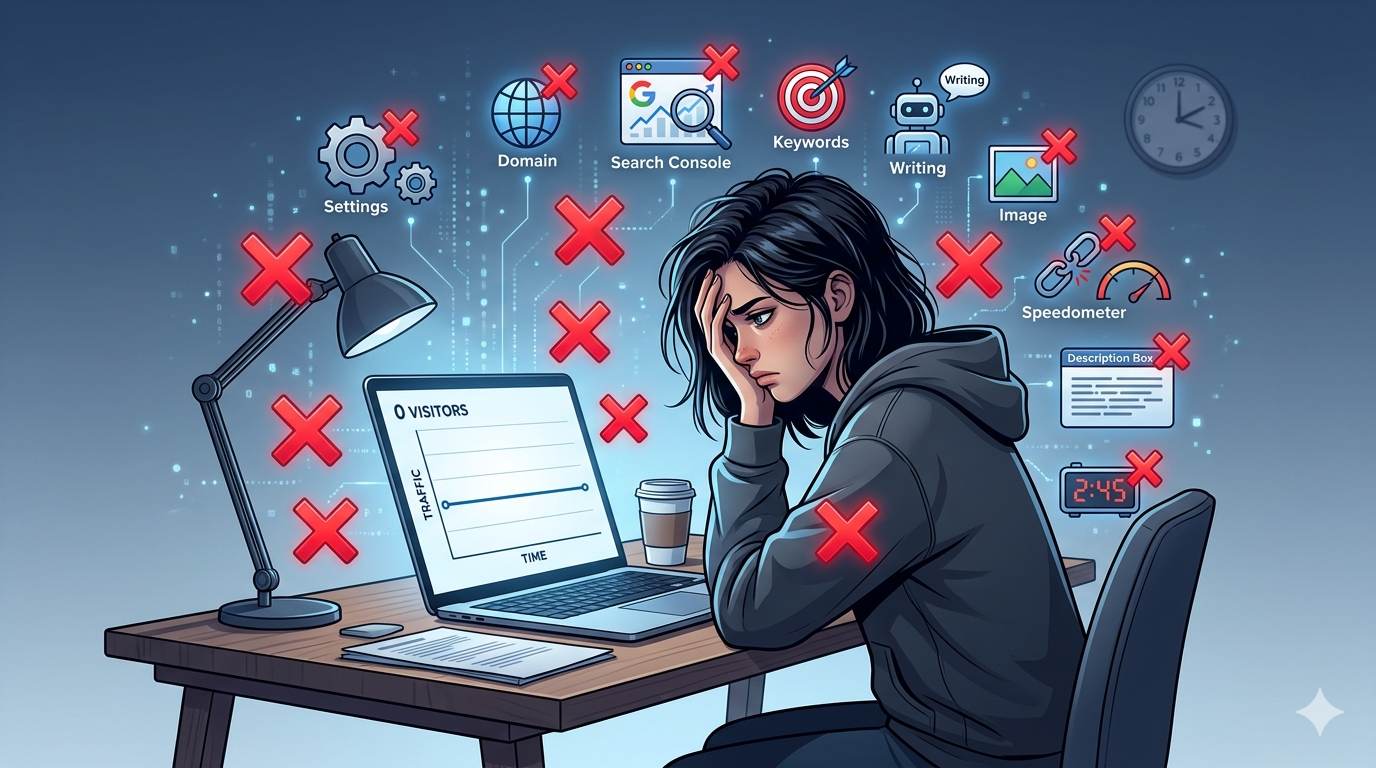
Let me ask you something, friend. You write great content. You hit publish. Then… nothing. No traffic. No comments. No growth. You think your writing is bad. Or maybe your niche is too competitive. But here’s the truth: you’re probably making stupid SEO mistakes that are killing your traffic. The good news? They’re easy to fix. This Blogger SEO checklist shows you the 10 most common mistakes beginners make on Blogger – and exactly how to fix each one.
Before we dive into the mistakes, understand that SEO is a combination of settings, content, and technical fixes. To find the right keywords for your posts, read How to Do Keyword Research for SEO – it covers the basics in plain English. And to write posts that actually rank, check out 10 Essential Blog Writing Tips – it covers how to write content people actually read.
📌 Layla made all 10 mistakes (and fixed them)
Layla had a beautiful blog. Great content. But after 6 months, she had zero Google traffic. She was frustrated and ready to quit. Then she discovered this checklist. One by one, she fixed her mistakes. Within 2 months, her traffic grew from 0 to 500 monthly visitors. Same content. Same blog. Just fewer stupid mistakes.
⚠️ The #1 Mistake That Kills Your Traffic Instantly
Go to Blogger → Settings → Basic. Look for “Let search engines find your blog?” If it’s set to “No”, you have been blocking Google from indexing your entire site. This is the most common stupid mistake. Set it to “Yes” immediately.
✅ The 10 Stupid SEO Mistakes Killing Your Traffic (And How to Fix Them)
❌ Mistake #1: Blocking Google in Your Settings
The fix: Go to Settings → Basic → “Let search engines find your blog?” → Set to Yes. This one click changes everything.
❌ Mistake #2: Using a .blogspot Domain
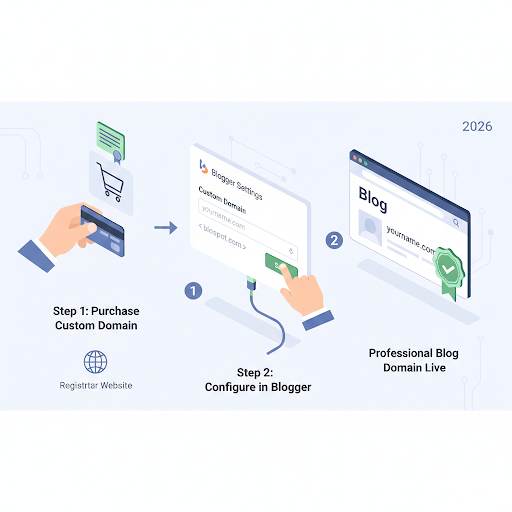
The fix: Buy a custom domain (like yourblog.com). It costs ~$10/year. Google trusts custom domains more, and it looks professional. Don’t skip this.
❌ Mistake #3: Never Submitting Your Blog to Google Search Console
The fix: Go to Google Search Console (free). Add your blog. Submit your sitemap (yourblog.com/sitemap.xml). This tells Google: “Hey, I exist. Please index me.” For a complete guide, read Google Search Console for Blogger – it walks you through verification and sitemap submission.
❌ Mistake #4: Trying to Rank for 5 Keywords at Once
The fix: Pick one main keyword per post. Use it in your title, URL, first paragraph, one subheading, and 2-3 times naturally. That’s it. Don’t force it.
❌ Mistake #5: Writing Like a Robot (Not a Human)
The fix: Write like you’re talking to a friend. Use short sentences. Be real. Google wants helpful, readable content – not keyword‑stuffed nonsense. For more writing tips, read 10 Essential Blog Writing Tips – it covers how to write posts people actually read.
❌ Mistake #6: Uploading Huge, Unoptimized Images
The fix: Resize images to 1200px max. Compress them with TinyPNG (free). Name them with keywords (e.g., blogger-seo-checklist.jpg). Always add alt text. Use Canva to create optimized visuals that load quickly.
❌ Mistake #7: Never Linking to Your Own Posts (No Internal Links)
The fix: Before publishing, ask: “Is there another post I’ve written that relates to this?” If yes, link to it. Internal links keep readers on your site and help Google understand your blog structure.
❌ Mistake #8: Ignoring Mobile Speed (Your Blog Is Slow)
The fix: Test your blog on PageSpeed Insights. If it’s slow, compress images, remove unnecessary gadgets, and switch to a lightweight template. Most readers are on mobile – don’t lose them.
❌ Mistake #9: Forgetting to Write a Meta Description
The fix: Every post needs a Search Description (in Blogger post settings). Write 150-155 characters. Include your keyword. Make people want to click.
❌ Mistake #10: Giving Up Too Soon
The fix: SEO takes time. Publish 20-30 posts with these fixes. Wait 2-3 months. Check Google Search Console again. You’ll see impressions growing. Don’t quit before the results show up.
💡 The Brutal Truth (Read This Twice)
Here’s what most beginner bloggers don’t realize: your lack of traffic isn’t because your content is bad. It’s because you’re making stupid mistakes that block Google from finding you. The good news? Every mistake on this list is fixable. And fixing them takes less time than writing one blog post.
Stop guessing. Stop hoping. Go through this Blogger SEO checklist today. Fix one mistake. Then another. Your future readers are searching for you right now – but they can’t find you because of these mistakes. Don’t let that continue another day.
⚠️ Remember: Most beginners make these mistakes because nobody told them. Now you know. Fix one mistake today. Your traffic will thank you.
📅 Your 7‑Day SEO Mistake Fix Plan
- Day 1: Fix Mistake #1 (Let search engines find your blog? → YES).
- Day 2: Fix Mistake #2 and #3 (Buy a custom domain + submit to Search Console).
- Day 3: Fix Mistake #4, #5, #9 (Keyword, writing style, meta description on a new post).
- Day 4: Fix Mistake #6 (Optimize images on your 3 most popular posts).
- Day 5: Fix Mistake #7 (Add internal links between your posts).
- Day 6: Fix Mistake #8 (Test and improve your blog speed).
- Day 7: Fix Mistake #10 (Schedule your next 5 posts – don’t stop).
After 7 days, your blog will be ready for Google. And you’ll finally see traffic coming in.
🙋 Frequently Asked Questions
How long does it take to see results after fixing these mistakes?
You’ll see improvements in Google Search Console within 2‑4 weeks. Traffic growth typically takes 2‑3 months of consistent posting. Be patient.
Do I need to fix all 10 mistakes at once?
No. Start with Mistake #1 (the settings) – it takes 5 seconds. Then work through the rest one by one. Progress beats perfection.
What if I don’t have a custom domain?
You can still get traffic with a .blogspot domain, but a custom domain helps with trust and branding. It’s worth the $10/year.
How many posts do I need before I see traffic?
Aim for 20‑30 quality posts with these fixes applied. Then wait 2‑3 months. SEO is a numbers game.
What if I make a mistake while fixing these?
Most fixes are reversible. Blogger allows you to undo changes. Follow the instructions above – they’re beginner‑safe.
🎤 Final Thoughts: Stop Making Stupid Mistakes – Start Growing
You’ve been making stupid mistakes. It’s not your fault – nobody told you. But now you know. Stop wasting time. Stop hoping. Fix these 10 mistakes today. Your future readers are searching for you. Don’t make them wait another day. 👻
👉 Ready to fix your SEO mistakes and finally get traffic? Open your Blogger dashboard. Fix one mistake today. Then another. Your traffic will grow.