Robots.txt on Blogger – The Safe, Copy-Paste Setup (2026 Guide
📘 TL;DR – What you’ll learn: One wrong line in your robots.txt file can make your blog invisible to Google. This guide gives you the safe, tested, copy‑paste code for robots.txt on Blogger – no blocks, just growth. You’ll learn what robots.txt is, why it matters, how to set it up safely, and the deadly mistake that hides your blog from search engines. Takes 5 minutes to set up – and could save months of lost traffic.
🔥 The Invisible Blog Problem
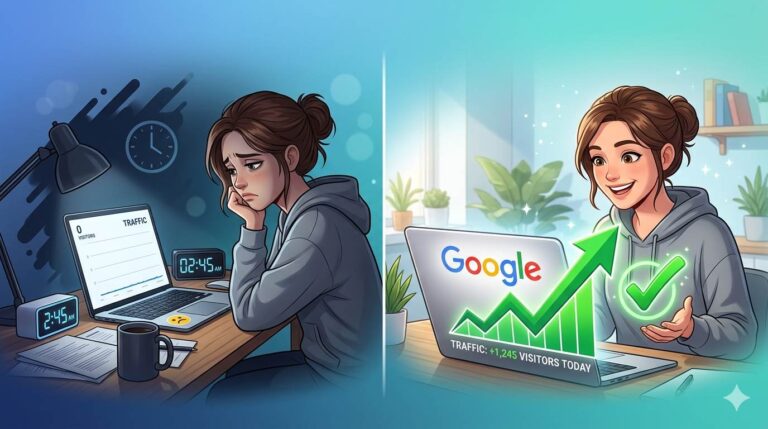
Let me ask you something, friend. You pour hours into your blog. You write helpful posts. You share them everywhere. Then you check Google. Nothing. Your blog does not show up. You have no idea why.
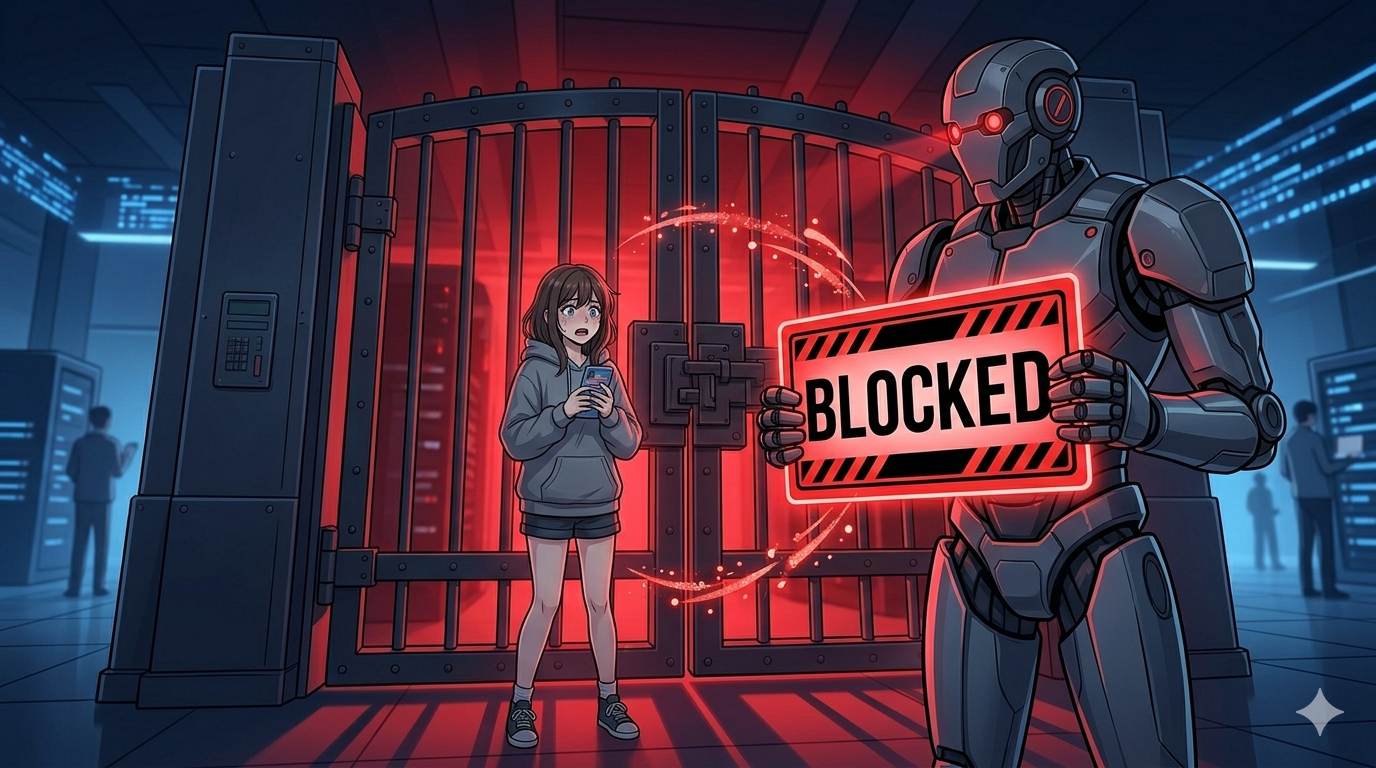
Here is a truth that destroys thousands of new blogs every year: you accidentally told Google to stay away. With one tiny mistake in your robots.txt file, your blog becomes invisible – not because your content is bad, but because you blocked the very search engines you want to attract.
This is not rare. It happens all the time. Beginners copy random code from shady websites, paste it into their Blogger settings, and unknowingly hide their entire site. Months of work. Zero traffic. All because of a single slash.
In this guide, I will show you exactly what robots.txt on Blogger is, how to set it up safely in 2026, and – most importantly – how to avoid the deadly mistake that blocks Google forever.
Before we dive in, understand how to monitor your blog’s visibility after setting up robots.txt. My Google Search Console for Blogger guide shows you how to see if Google can access your pages. And to ensure your overall Blogger settings are optimized, read Blogger Settings for Beginners – it covers crawlers, privacy, and meta tags.
📌 Real story – Amira disappeared from Google for 5 months
Amira had a beautiful blog about sustainable fashion. She wrote 35 posts. Her photos were stunning. But after five months, her traffic was zero. She felt like a failure. Then a friend checked her Google Search Console. “Blocked by robots.txt”. She had copied a code from a forum. The code had one line: Disallow: /. That single slash told every search engine to stay out of her entire blog. Five months of work. Invisible. She fixed it in 30 seconds. Two weeks later, her traffic slowly returned. One wrong line almost killed her dream.
⚠️ The deadliest mistake in robots.txt: Writing Disallow: / (slash only) blocks your entire blog from every search engine. Your posts will never appear on Google. Do not use this unless you want to hide your blog.
✅ What Is Robots.txt on Blogger?
Robots.txt is a small text file that tells search engines like Google which parts of your blog they are allowed to visit – and which parts to ignore. Think of it as a sign on your blog’s front door: “Welcome, Google. Please read my posts and pages. But do not waste time on my search results or tag archives.”
When set up correctly, it helps Google focus on what matters (your content). When set up wrong, it can lock Google out completely. Amira learned this the hard way.
📊 Why You Cannot Ignore This File (Even if You Are a Beginner)
- Blogger has a default robots.txt. It exists, but it does not block useless pages like search results. That wastes Google’s time.
- One wrong copy‑paste can destroy your SEO. The internet is full of bad code. If you accidentally use
Disallow: /, Google stops coming. - Optimizing it gives you a small but real SEO advantage. Most beginners ignore it. That means you can get ahead with 5 minutes of work.
📋 The Safe Robots.txt Code for Blogger 2026 (Copy‑Paste Ready)
Here is the exact code you need. It is safe, tested, and used by thousands of successful Blogger blogs. Copy it exactly as written – then replace the blog URL with yours.
User-agent: *
Disallow: /search
Allow: /
Sitemap: https://yourblogname.blogspot.com/sitemap.xml
What this code does:
User-agent: *– Applies to all search engines (Google, Bing, Yahoo, etc.).Disallow: /search– Blocks useless search result pages from being indexed (they clog up Google).Allow: /– Allows everything else (your posts, pages, images).Sitemap: ...– Tells Google where to find your sitemap so it discovers your content faster.
🔁 IMPORTANT: Replace yourblogname.blogspot.com with your actual blog address. If you use a custom domain, use that instead (e.g., https://yourblog.com/sitemap.xml).
🛠️ How to Add Robots.txt to Your Blogger Blog (Step by Step)
Step 1 – Go to Blogger Settings
Log into your Blogger dashboard. On the left menu, click Settings.
Step 2 – Find “Crawlers and Indexing”
Scroll down until you see the section labeled Crawlers and indexing. It is usually near the bottom.
Step 3 – Enable Custom Robots.txt
Click the toggle to turn on Enable custom robots.txt. It will turn blue.
Step 4 – Paste the Code
In the text box that appears, paste the safe code from above. Do not forget to replace the sitemap URL.
Step 5 – Save
Click the Save button at the top right.
Step 6 – Test Your Robots.txt
Open a new browser tab. Go to https://yourblogname.blogspot.com/robots.txt. You should see the exact code you just saved. If you do – it is working.
❌ The Deadly Mistakes That Hide Your Blog (Avoid These at All Costs)
- ❌
Disallow: /(slash only) – This blocks your entire blog. No pages will be indexed. You will disappear from Google. Never use this unless you want to hide your blog. - ❌ Copying random code from unknown websites – Many codes contain hidden
Disallow: /lines. Always verify before pasting. - ❌ Empty robots.txt with no sitemap – Not deadly, but you miss an opportunity to help Google find your content faster.
- ❌ Blocking your CSS or image folders – Google may not render your blog correctly. Keep it simple.
- ❌ Forgetting to save – Your changes will not work. Always click save.
🔧 How to Check If Your Robots.txt Is Working (And Not Blocking Google)
After saving your robots.txt, you need to verify that you did not accidentally block Google.
- Open Google Search Console (if you have not connected your blog, do it now – it is free).
- Go to Settings → robots.txt Tester.
- Click Test. It should show that your homepage and important pages are allowed.
- If it shows “Blocked” for your homepage, fix your code immediately. Go back to Blogger and remove the custom robots.txt or correct it.
For a complete guide to setting up and using Google Search Console, read Google Search Console for Blogger – it walks you through verification, sitemap submission, and monitoring your site’s performance.
💡 The Brutal Truth (Read This Twice)
Most beginners ignore robots.txt because they think it’s too technical. They write great content, but their blog is invisible on Google – not because the content is bad, but because they accidentally blocked search engines. Or they never submitted their sitemap. Or they copied bad code.
Robots.txt on Blogger is not complicated. It’s a small file that takes 5 minutes to set up. But ignoring it – or copying random code – can be a disaster. Amira lost five months of traffic because of one wrong line. The safe code above takes 30 seconds to copy and 5 minutes to set up. Do it today. Protect your blog from disappearing. Give Google a clean map of your best content.
⚠️ Remember: One tiny slash can hide your entire blog. Copy the safe code above. Test it in Google Search Console. Never copy random code from the internet without understanding what it does.
📅 Your 10‑Minute Robots.txt Action Plan
- Step 1: Open Blogger → Settings → Crawlers and indexing.
- Step 2: Turn on “Enable custom robots.txt”.
- Step 3: Copy the safe code from this guide.
- Step 4: Replace the sitemap URL with your blog’s address.
- Step 5: Paste the code into the text box.
- Step 6: Save your changes.
- Step 7: Test your robots.txt at
yourblog.com/robots.txt. - Step 8: Check Google Search Console → robots.txt Tester to confirm no blocks.
Done. Your blog is now optimized for search engines – and safe from deadly mistakes.
For more SEO optimization tips for your Blogger blog, read Blogger SEO Checklist – it covers 10 steps to get more traffic without ads.
🙋 Frequently Asked Questions
Do I really need a robots.txt file on Blogger?
Blogger has a default one, but it is basic. Adding a custom one helps block useless pages (like search results) and improves how Google crawls your site.
Can I damage my blog with robots.txt?
Yes – if you use Disallow: /. That blocks everything. But if you use the safe code above, you are fine.
How long until I see results?
No instant results. But over time, Google will crawl your important pages more efficiently. Combined with good content, this helps your SEO.
What if I make a mistake?
You can always go back to Settings and delete the custom robots.txt. Blogger will revert to the default. You cannot permanently break anything.
Why does my sitemap URL matter?
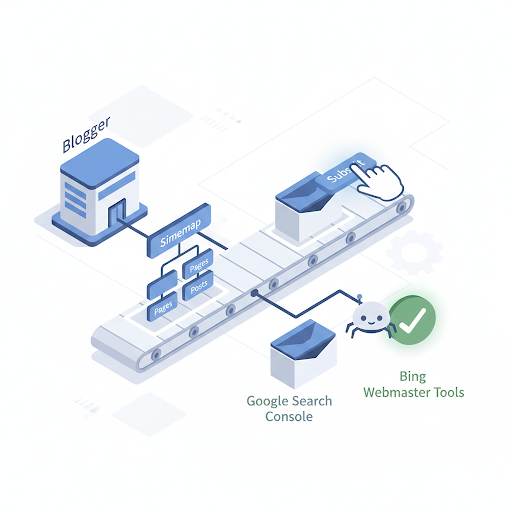
The sitemap tells Google where all your posts are. Without it, Google may take longer to find new content.
🎤 Final Thoughts: One Small File, One Big Difference
Amira lost five months of traffic because of one wrong line in a file she did not understand. You just read this guide. You now know exactly what to do – and what not to do.
Robots.txt on Blogger is not complicated. But ignoring it – or copying random code – can be a disaster. The safe code above takes 30 seconds to copy and 5 minutes to set up.
Do it today. Protect your blog from disappearing. Give Google a clean map of your best content. And never let one tiny slash hide your hard work again.
You’ve got this, friend. 🤖
👉 Ready to set up your robots.txt safely? Open your Blogger dashboard. Go to Settings → Crawlers and indexing. Paste the safe code. Save. Test. Done.