What Are Blog Categories? 2026 Guide to Better SEO and Happy Readers
📘 TL;DR – What you’ll learn: Blog categories are the main topics that group your posts together. They help readers find more content, lower bounce rate, and tell Google what your blog covers. This guide explains what categories are, how they differ from tags, why they matter for SEO in 2026, and how to set them up on your blog – even if you’re a beginner.
🔥 The Invisible Problem That Kills Engagement
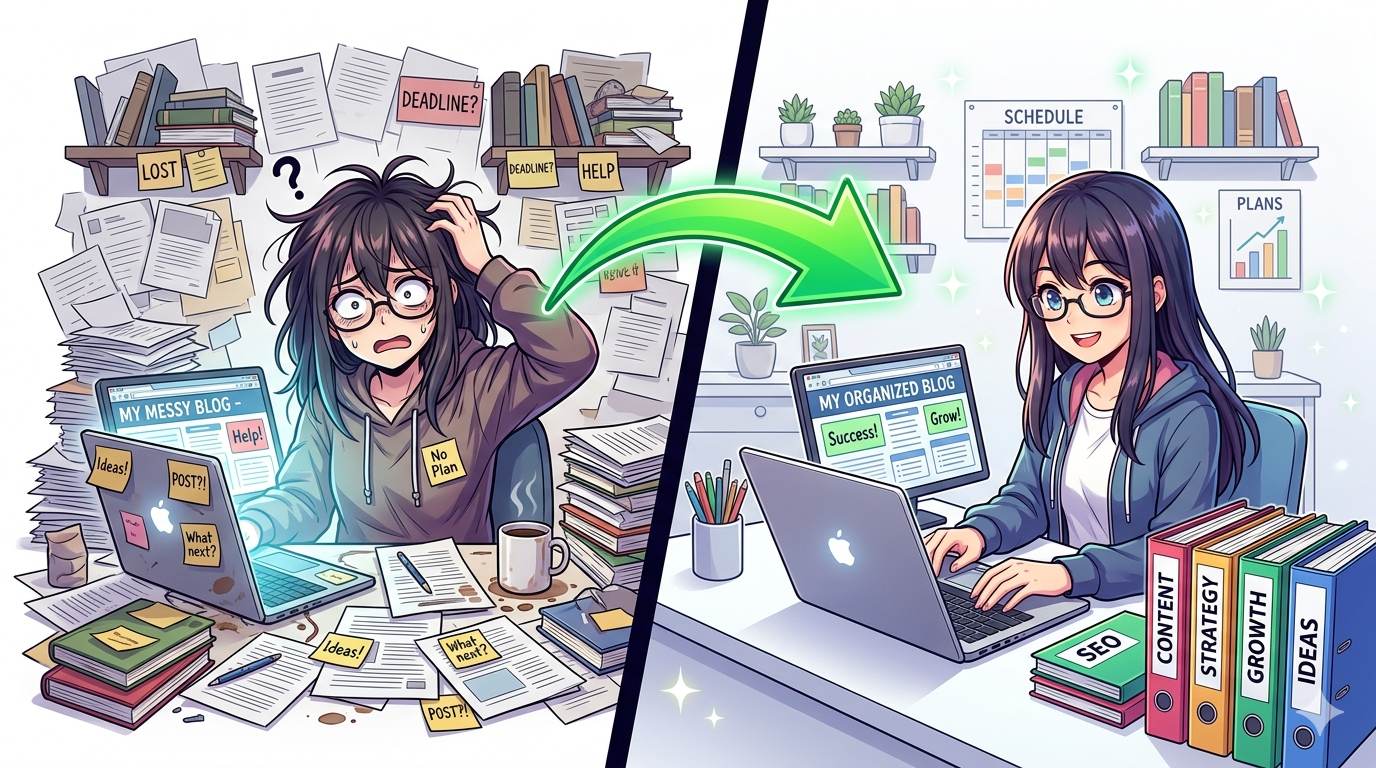
You pour hours into every post. The writing is solid. The tips are useful. But your analytics tell a painful story: people leave after one page. Your bounce rate is climbing. And you have no idea why, brother.
Here is the ugly truth. It is not your writing. It is your structure. Your blog has no categories. Every post exists in isolation. Readers cannot find related content. Google cannot understand your site. And you are losing traffic, trust, and money.
What are blog categories? They are the shelves in your library. They tell readers: “If you liked this, here is more.” They tell Google: “This blog covers these topics deeply.”
In this 2026 guide, I will show you exactly how blog categories work, why they boost your SEO, how they keep readers happy, and how to set them up – even if you are a complete beginner.
Before you set up categories, understand how to organize them effectively. My Categories in Blogger guide covers the technical steps for Blogger users. And to track how categories affect reader behavior, use Audience Engagement Metrics – lower bounce rate and higher pages per session are key signs of success.
📌 Real story – Lina’s blog was invisible for 6 months
Lina wrote amazing posts about vegan recipes. But her blog had no categories. A reader would find a “tofu scramble” recipe, read it, and leave. They never discovered her “meal prep” or “budget tips” posts. One afternoon, she added five categories: Breakfast, Lunch, Dinner, Meal Prep, Budget Tips. She organized every post. Within three weeks, her page views per session doubled. Google started ranking her category pages. Readers stayed longer. She did not write new content. She just organized what she already had.
⚠️ The #1 mistake that kills your blog growth: Posting without a category plan. Every uncategorized post is a lost opportunity. Readers leave. Google ignores you. Fix this today.
✅ What Are Blog Categories? (Simple Answer)
Blog categories are the main topics you use to group similar posts together. Think of your blog as a book. Every chapter covers a different subject – that is what categories do.
For example, if you run a digital marketing blog, your categories might be:
- SEO
- Email Marketing
- Affiliate Marketing
- Content Writing
- Social Media
Each post fits under one umbrella. This keeps your blog clean, logical, and easy to explore.
📊 Why Blog Categories Matter in 2026 (For SEO and Readers)
1. Google Loves Organized Content
Search engines use categories to understand your site’s structure. A blog with clear categories signals topical authority. Google knows you cover specific topics deeply, not just random ideas. This helps you rank faster and appear in featured snippets.
2. Readers Stay Longer
When someone finishes a post, they look for “what to read next”. Categories guide them. A reader who enjoyed your “SEO basics” post will click your “SEO” category to find more. Lower bounce rate. Higher time on site. More trust.
3. You Build a Brand, Not Just a Blog
Consistent categories create identity. Readers remember you as “the person who writes about budgeting” or “the SEO expert”. Categories turn a random blog into a recognizable brand. (See Why Niche Is Important – categories and niches work together.)
4. Internal Linking Becomes Natural
Categories make internal linking effortless. Every post in the same category is naturally connected. You can link between them without forcing it. This spreads “link juice” and strengthens your SEO.
🏷️ Categories vs Tags: What Is the Difference?
Beginners often confuse these. Let me clear it up once and for all.
| Categories | Tags |
|---|---|
| Broad topics (5-10 total) | Specific keywords (unlimited) |
| Every post needs one | Optional |
| Appear in navigation menu | Usually hidden or in sidebar |
| Example: “SEO” | Example: “backlinks”, “Google updates” |
On Blogger, categories are called “Labels”. On WordPress, they are separate features. But the principle is the same.
📝 How to Create Blog Categories (Step by Step)
Step 1: List Your Main Topics
Look at your last 20 posts. What are the big themes? Write down 5-10 topics that cover 80% of your content. These will be your categories.
Step 2: Name Them Clearly
Use short, descriptive names that include relevant keywords. “SEO Tips” is better than “Stuff About Google”. Keep it simple.
Step 3: Assign Every Post to a Category
Go through your existing posts. Put each post into one primary category. Do not leave any uncategorized. If a post fits multiple, pick the most relevant one.
Step 4: Display Categories on Your Blog
Add a category menu to your header, sidebar, or footer. Make it easy for readers to explore. On WordPress, use the Categories widget. On Blogger, use the Labels gadget.
Step 5: Link Between Related Posts
Inside each post, add links to other posts in the same category. Tell readers: “If you liked this, check out these related articles.”
❌ Common Beginner Mistakes (Avoid These)
- ❌ Too many categories. 20 categories confuse readers. Stick to 5-10.
- ❌ Creating a new category for every post. Reuse existing categories. Keep them consistent.
- ❌ Leaving posts uncategorized. Every post needs a home. No exceptions.
- ❌ Overlapping category names. “SEO” and “SEO Tips” are confusing. Pick one.
- ❌ Hiding categories from your menu. If readers cannot find them, they do not exist. Display them clearly.
💡 Pro Tip for 2026: Audit your categories every 3 months. Merge weak ones. Remove unused ones. A clean category structure grows with your blog.
🛠️ Tools to Plan and Manage Blog Categories
- Notion or Trello – Map out your category structure before writing.
- Google Sheets – Track which posts belong to which categories.
- Google Search Console – See which category pages perform best.
- Canva – Design category icons or featured images.
💡 The Brutal Truth (Read This Twice)
Most bloggers ignore categories because they think “it’s not important.” Meanwhile, Lina doubled her engagement in three weeks – just by adding categories. No new content. No expensive tools. Just organization.
What are blog categories? They are not optional. They are the backbone of a blog that Google trusts and readers love. If your blog is disorganized, readers leave. Google notices. And you lose traffic.
Fix it today. It takes one afternoon. Your future self will thank you.
⚠️ Remember: Categories help readers find more content. More content = more page views = lower bounce rate = better SEO. It’s a virtuous cycle. Start it today.
📅 Your 1‑Week Category Makeover Plan
- Day 1: List your 5-10 main topics.
- Day 2: Name each category clearly (use keywords).
- Day 3: Go through every existing post – assign a category.
- Day 4: Add category menu to your blog (header/sidebar).
- Day 5: Add internal links between posts in the same category.
- Day 6: Check Google Search Console – see if category pages are indexed.
- Day 7: Commit to using categories for every new post from now on.
After 7 days, your blog will be organized, Google-friendly, and reader-ready.
🙋 Frequently Asked Questions
How many categories should my blog have?
5-10 categories is the sweet spot. More than 15 confuses readers and dilutes your SEO.
Can a post belong to multiple categories?
Yes, but limit it to 2 maximum. Too many categories confuse Google and readers.
Do blog categories help with SEO?
Absolutely. Category pages create additional indexable content. They show Google your site’s structure and topical depth.
What is the difference between categories and tags?
Categories are broad topics (like book chapters). Tags are specific details (like index keywords). Use both, but do not mix them up.
Can I change my categories later?
Yes, but do it carefully. Changing category URLs can break links. Use redirects if needed.
🎤 Final Thoughts: Your Blog Deserves Structure
Now you know what are blog categories and why they matter. They are not an optional feature. They are the backbone of a blog that Google trusts and readers love.
Lina doubled her engagement in three weeks – just by adding categories. No new content. No expensive tools. Just organization.
You can do the same. Start today. List your categories. Assign your posts. Add a category menu. Watch your blog transform.
You have got this, brother. 📂
👉 Ready to organize your blog and boost your SEO today? Go to your Blogger dashboard now. Add your first category in under 2 minutes. Your readers will thank you.