Privacy Policy Page: What It Is, Why You Need One, and How to Create It
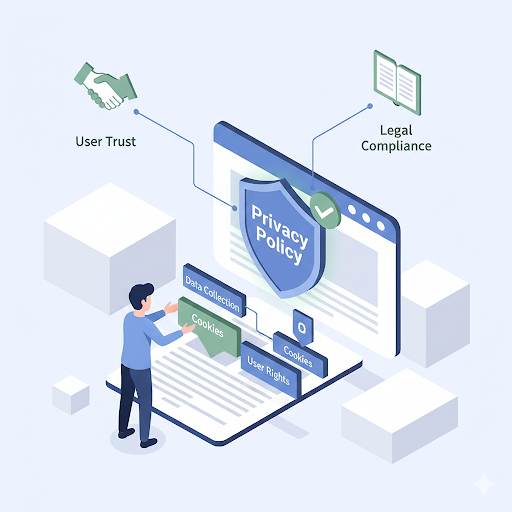
🌐 What’s a Privacy Policy Page, Anyway?
You’re saying:
> “Hey, I might collect some details like your name or email, maybe track visits to my blog — here’s exactly what I do with that info.”
🛑 Why You Shouldn’t Skip It
Here’s why:
- It’s required by law in many places (like Europe and California)
- It protects you from legal problems
- It builds trust — visitors feel safer when you’re transparent
- It’s required by tools like Google AdSense, email services, or affiliate programs
If you use tools like Google Analytics, email opt-ins, or run ads — yes, you’re already collecting data.
That means: you need a privacy policy.
📝 What Should Be on the Page?
Just explain the basics:
- What info you collect (like emails, cookies, or IP addresses)
- How you use it (like sending newsletters or tracking traffic)
- If you share it (with advertisers or partners)
- How people can contact you if they want their data removed
🛠️ How to Make a Privacy Policy Page (The Easy Way)
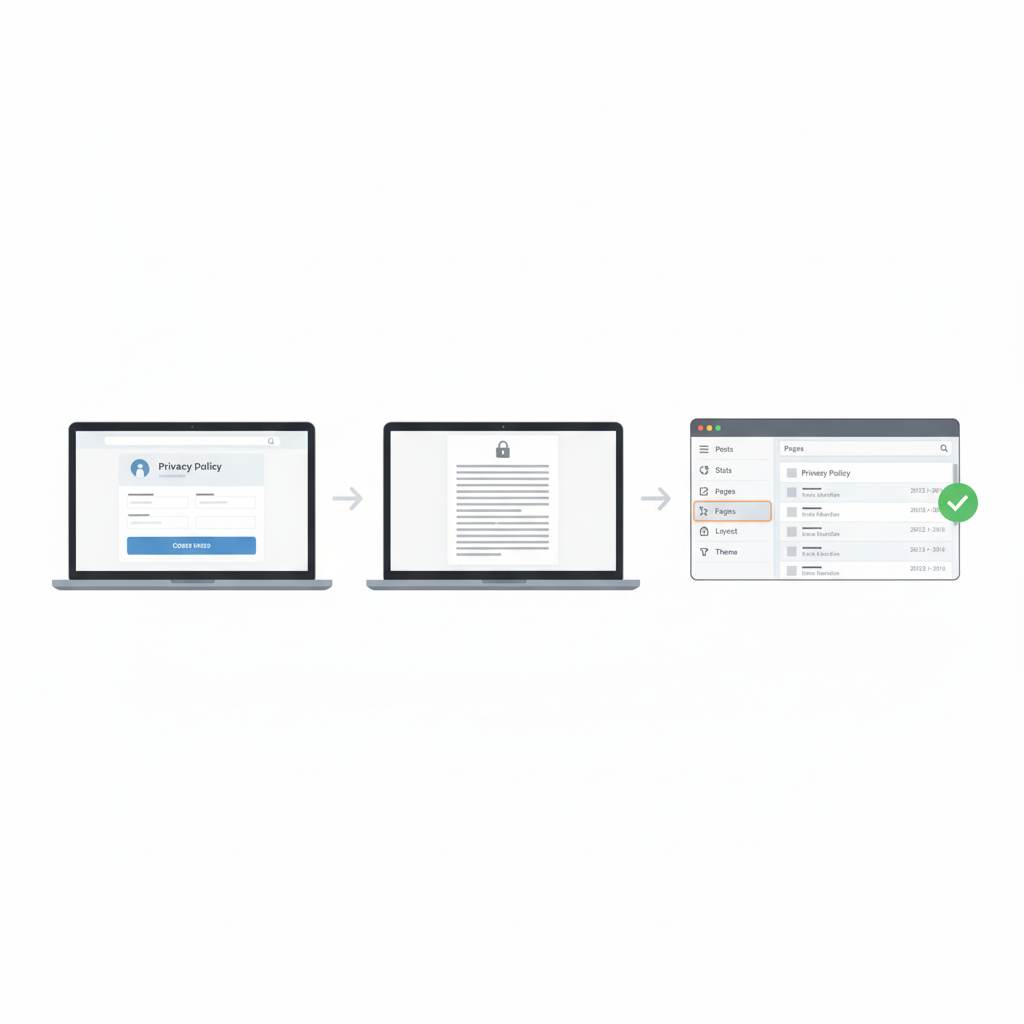
1. Use a Free Generator
- Do you collect emails?
- Do you use cookies?
- Do you use Google Analytics or AdSense?
2. Add It to Your Blog
3. Make It Easy to Find
Add a link in your blog’s menu or footer.
Most visitors expect to find it at the bottom of the site.
❌ Common Mistakes Beginners Make
Let’s save you from these:
- Thinking you don’t need a privacy policy just because your blog is small
- Copy-pasting someone else’s without updating it
- Forgetting to mention tools you use (like email forms, ads, or tracking)
- Hiding the page where no one can find it
- Using a template but forgetting to add your contact info
💡 Quick Answers for Newbies
Do I need one if I’m not selling anything?
Yes — if you collect any info at all.
What if I use Google Analytics or AdSense?
Then you absolutely need one.
These tools collect user data.
What if I don’t know what to write?
- Use a free generator.
- Done in minutes.
Can I update it later?
Yes — and you should if you add new tools or features.
✅ Final Thoughts: Just Get It Done Today
It helps you:
You may also like:
👉 How to Create a Contact Us Page for Blogger (Using Google Forms)
👉 How to Create a Professional About Us Page for Blogger: A Step-by-Step Guide
👉 How to Add a Sign Up Form to Blogger (Step-by-Step for Beginners)